
Service Platform
Mobile App
Build a fully-functional service platform in weeks, not months. OneEntry powers bookings, staff management, payments, advanced search and filtering and customer engagement.
All managed within the OneEntry platform
Business Benefits
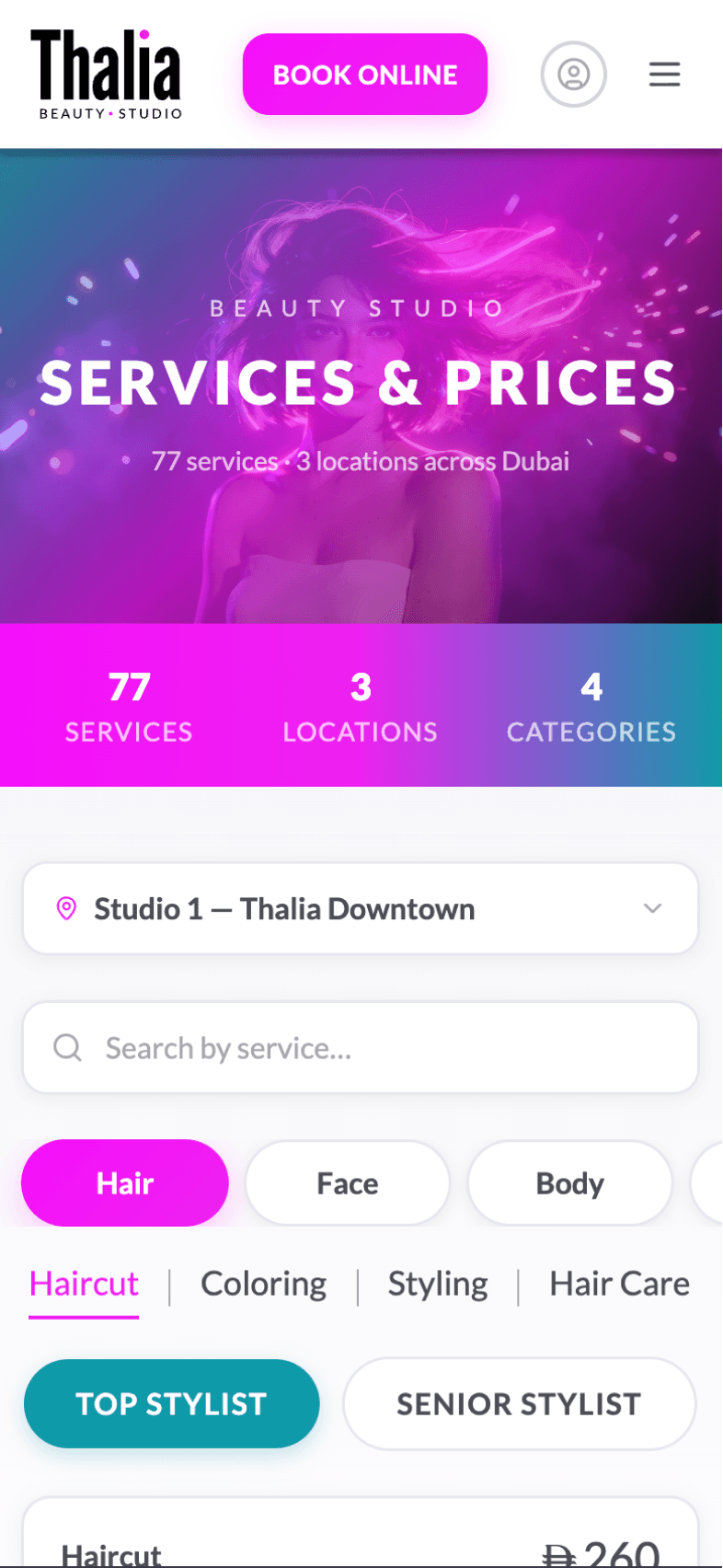
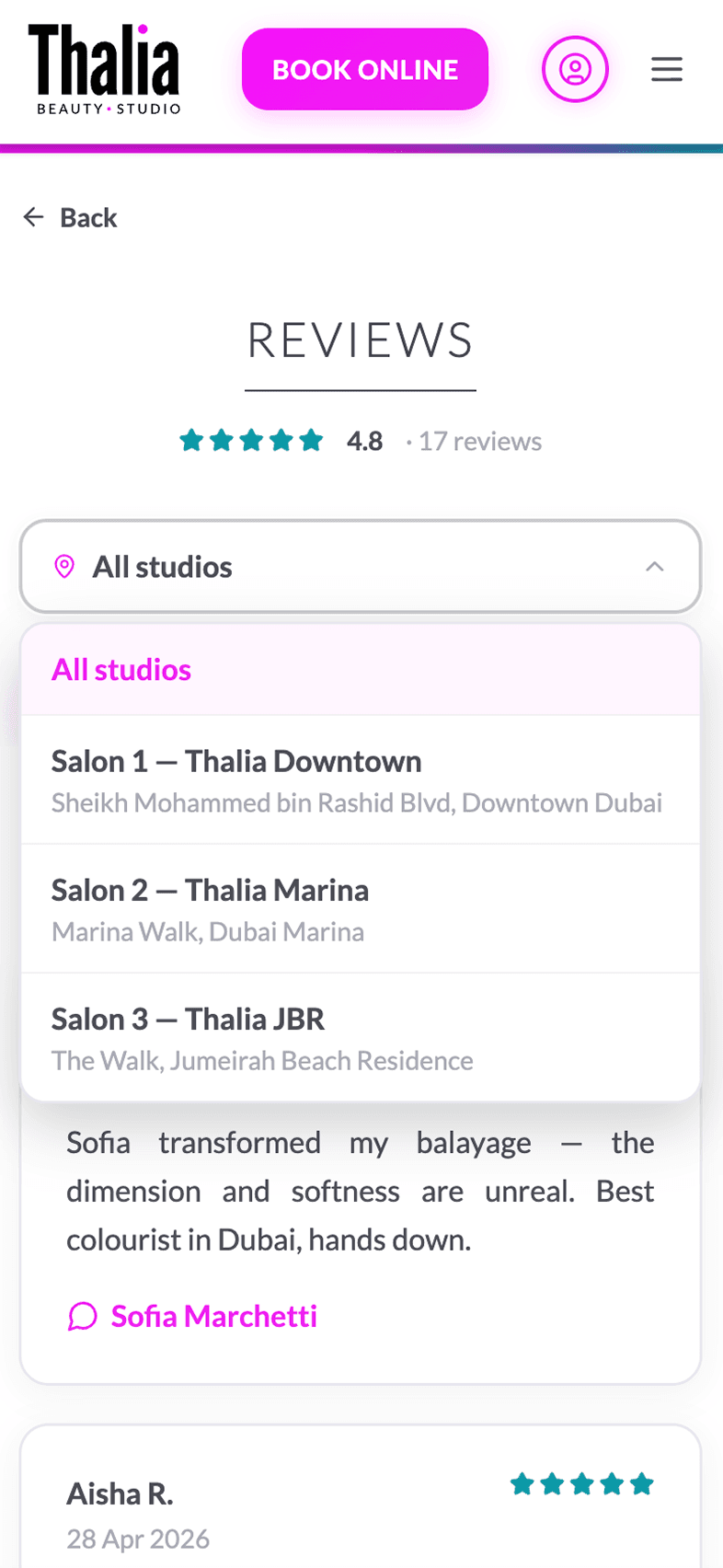
Advanced search
& filtering
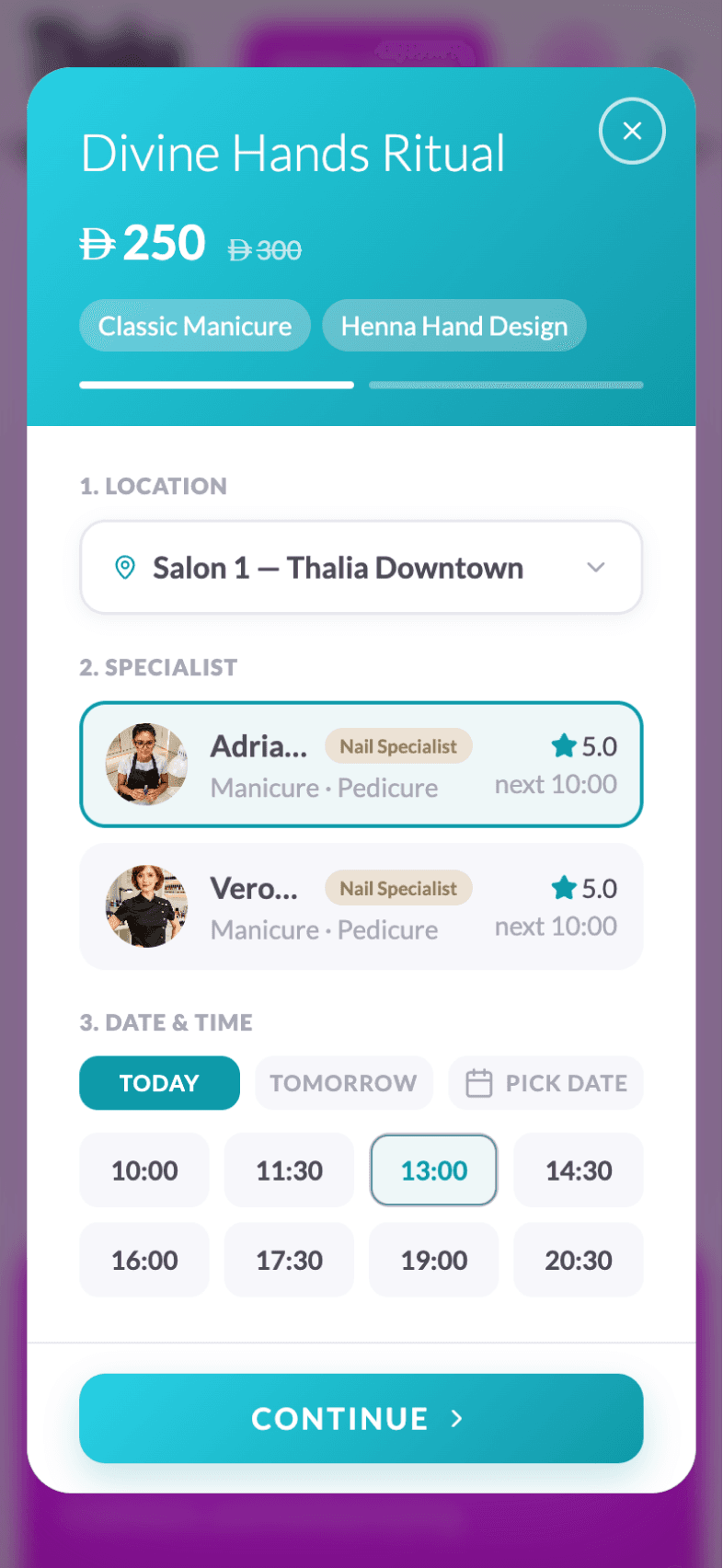
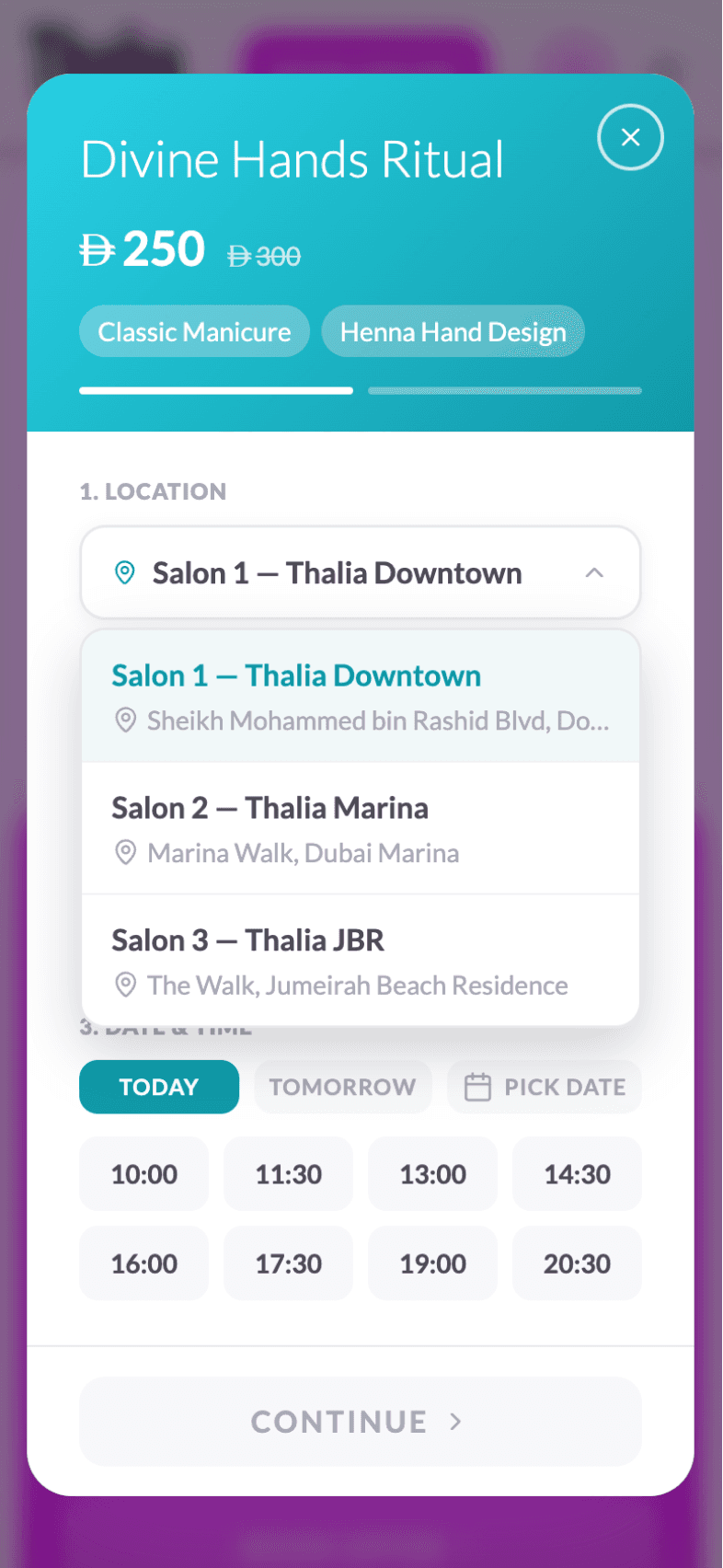
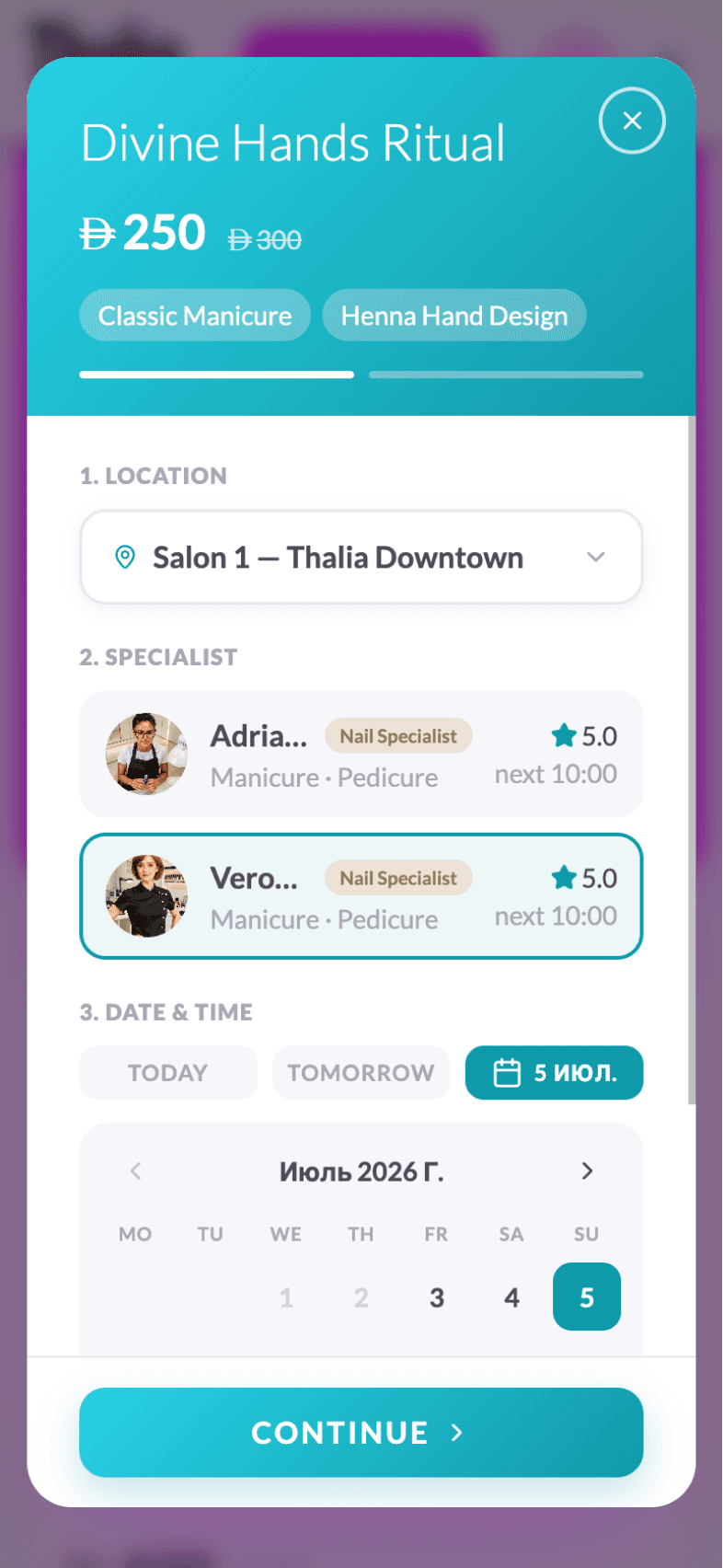
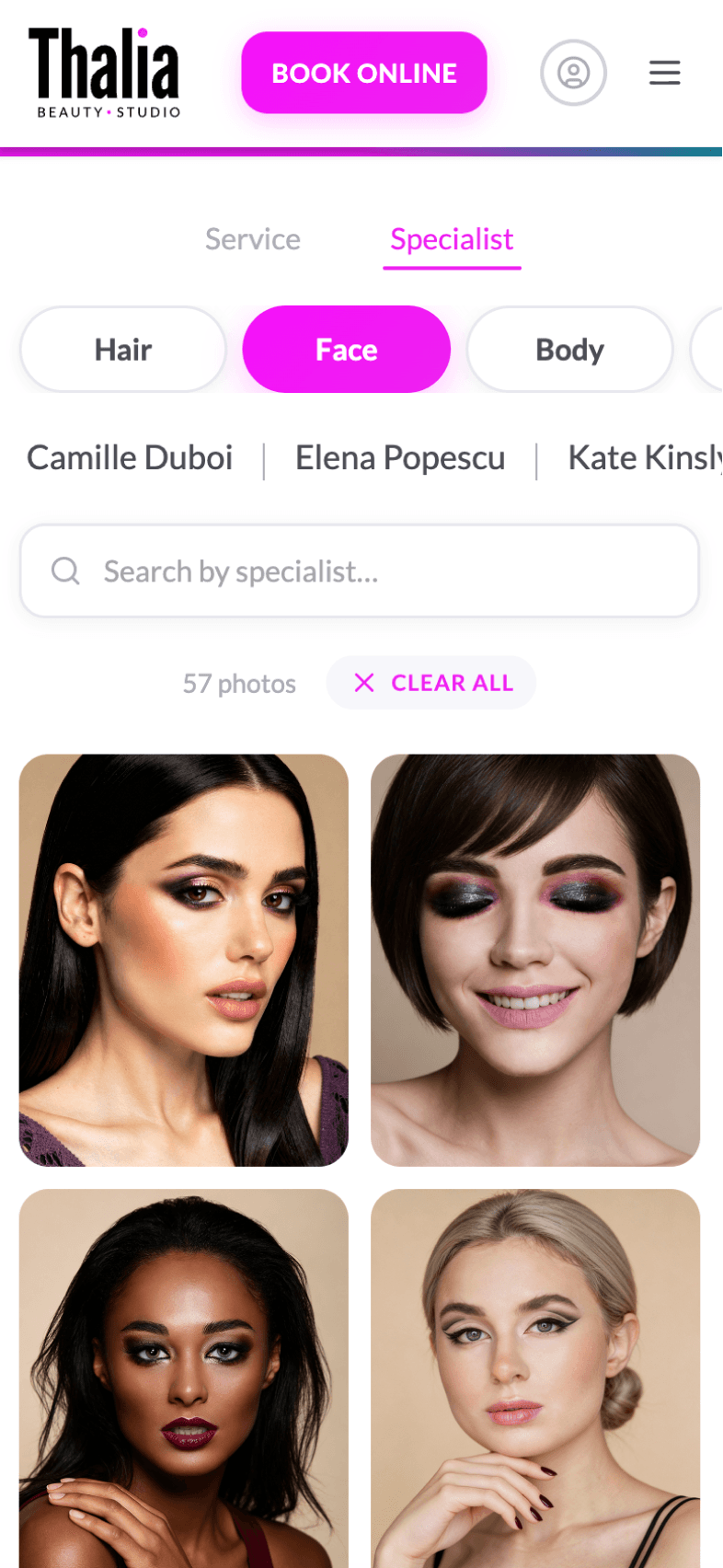
Customers can quickly find the right service or specialist using filters by category, date, time, qualification, price, and other parameters.
Effortless booking
& scheduling
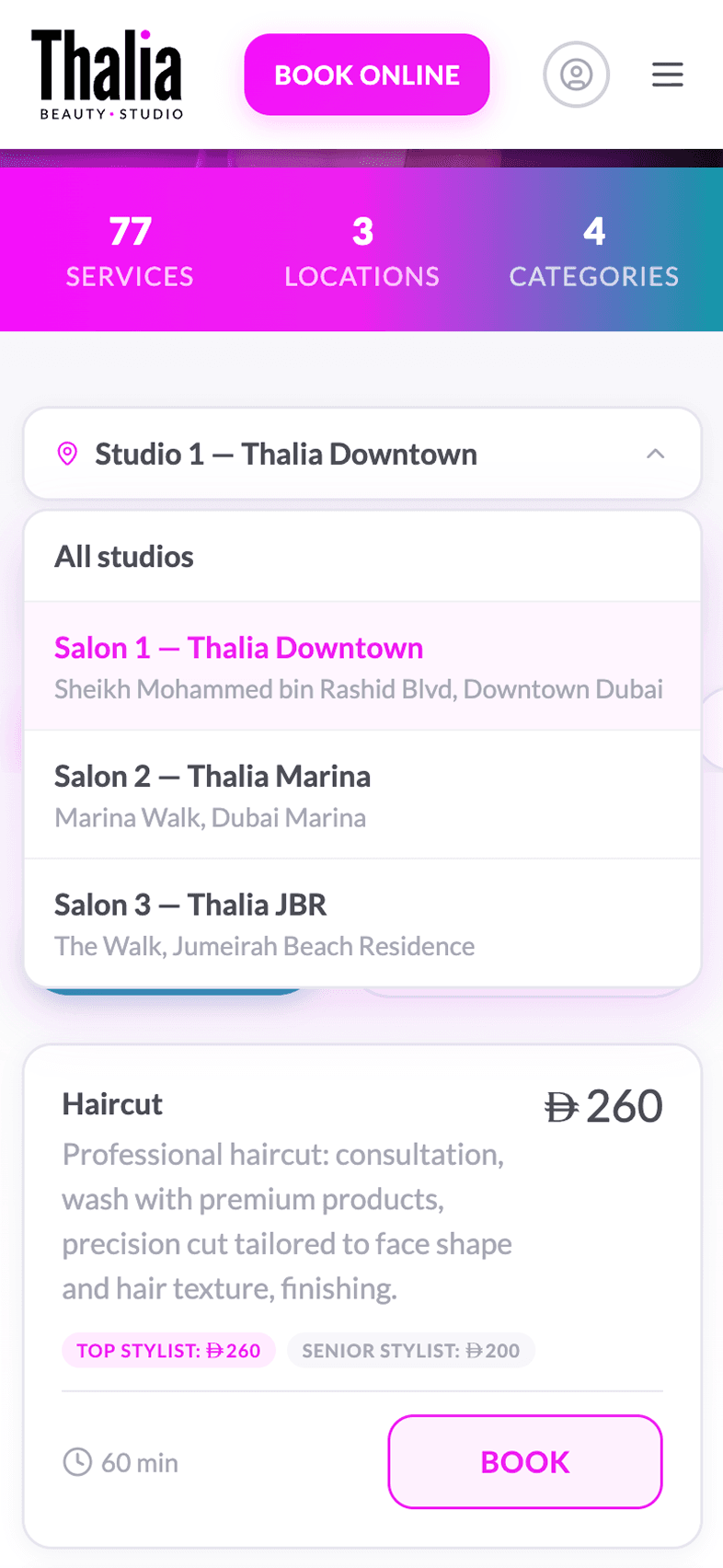
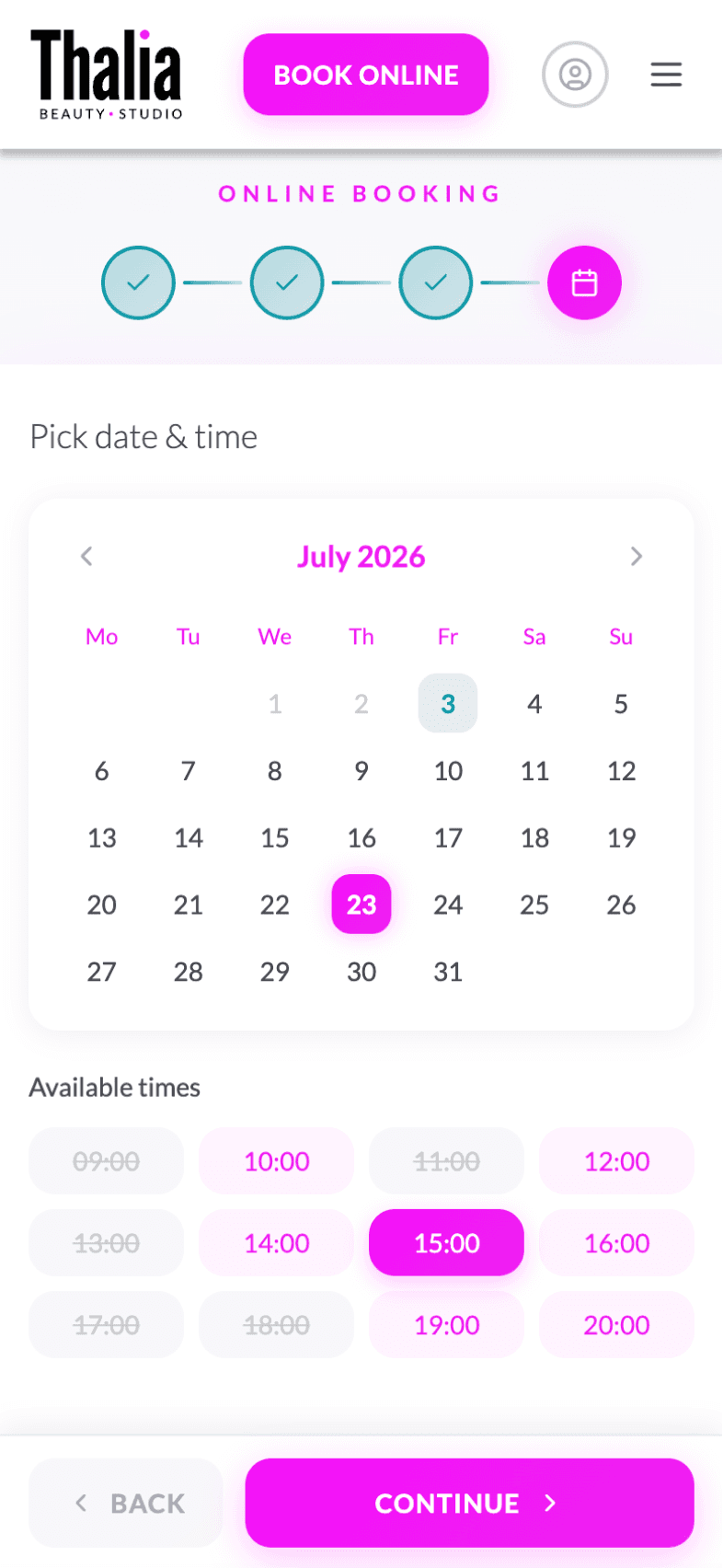
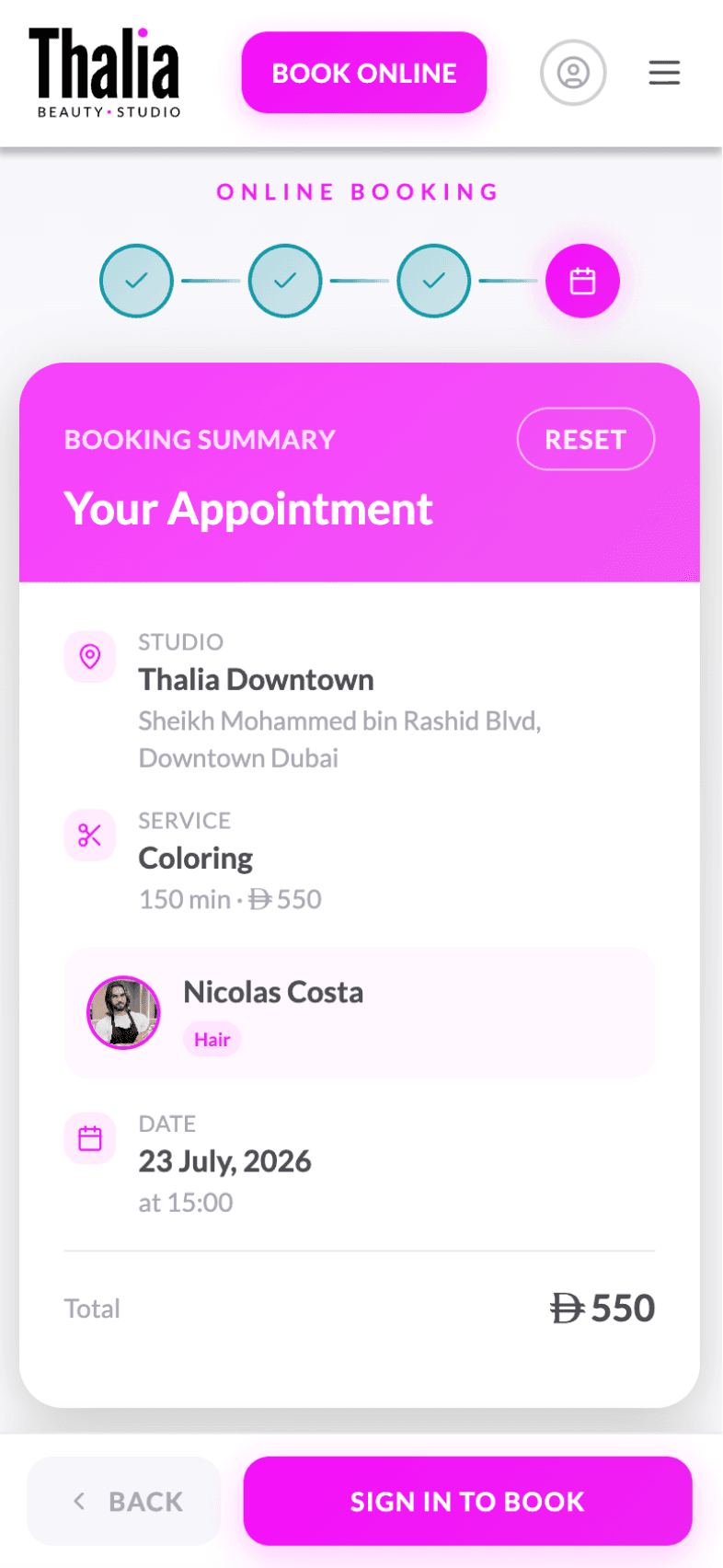
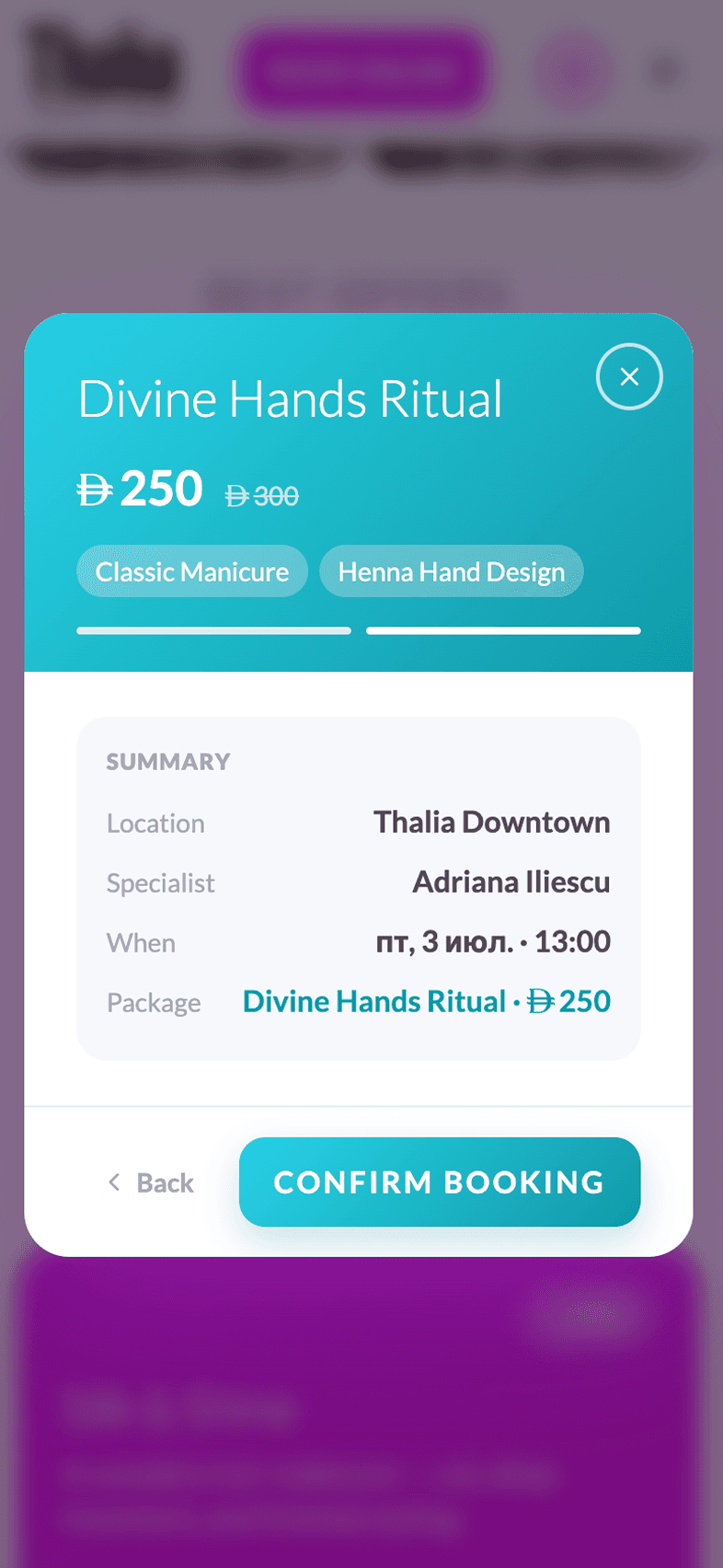
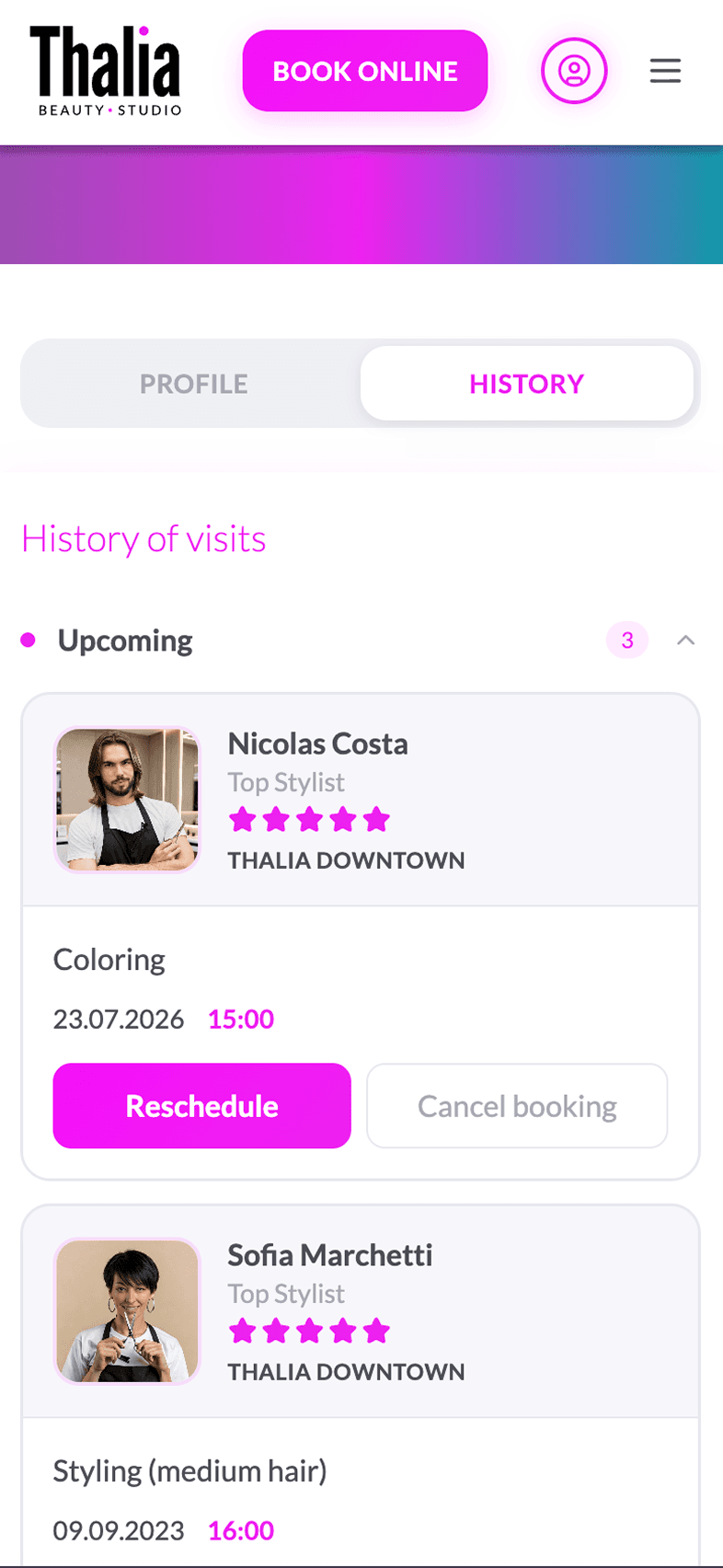
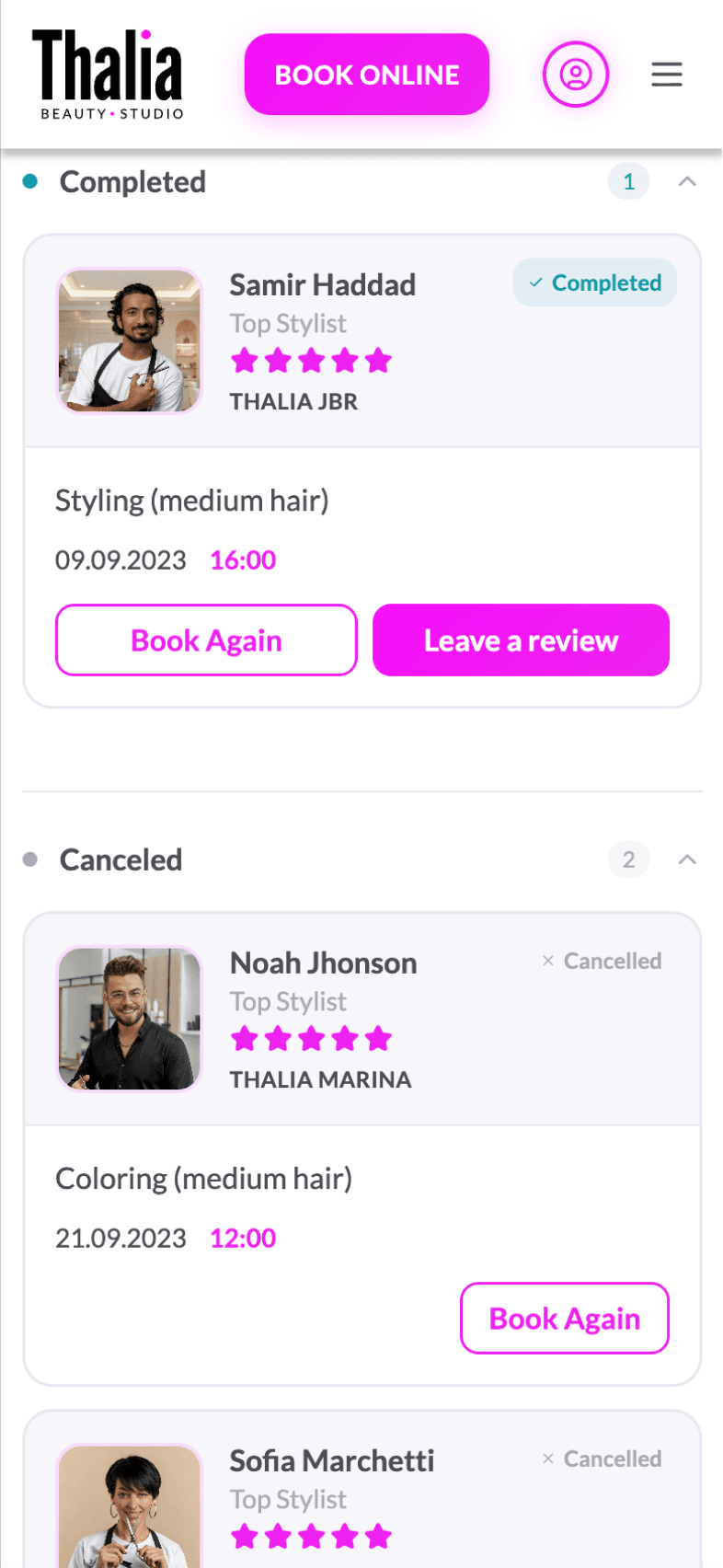
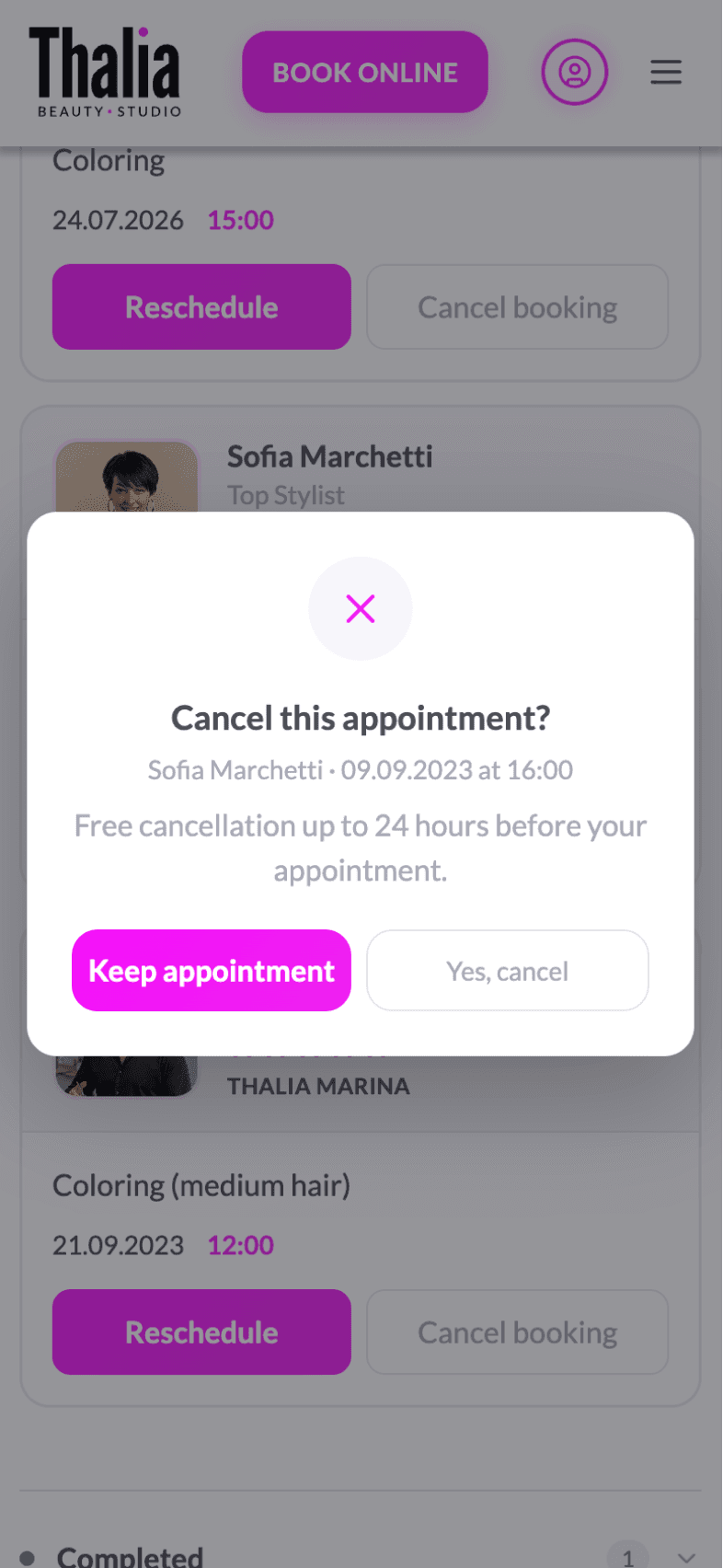
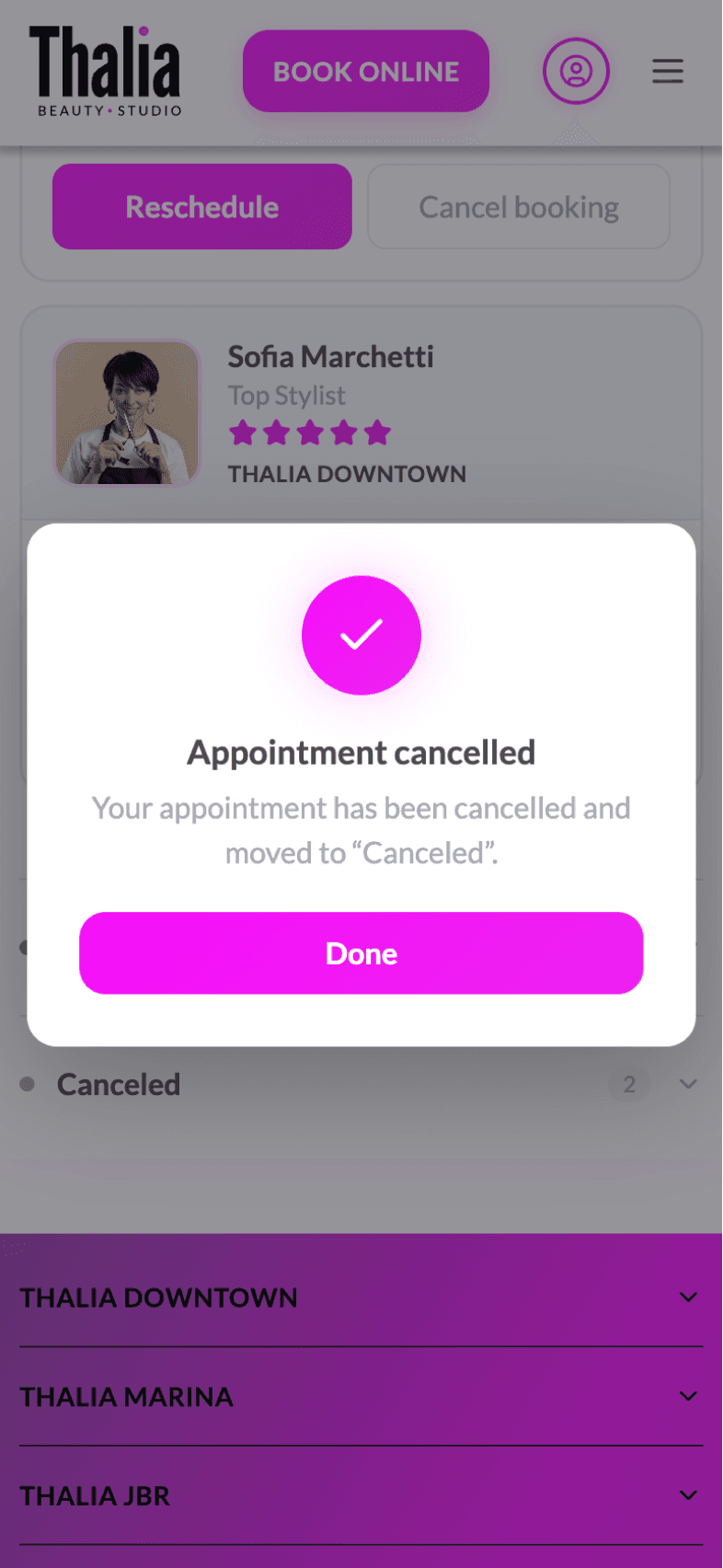
Instant service booking, specialist and time selection, appointment management, and cancellation handling.
Staff & resource
management
Manage specialists, schedules, resource availability, and equipment within a single system.
Centralized data
& business logic
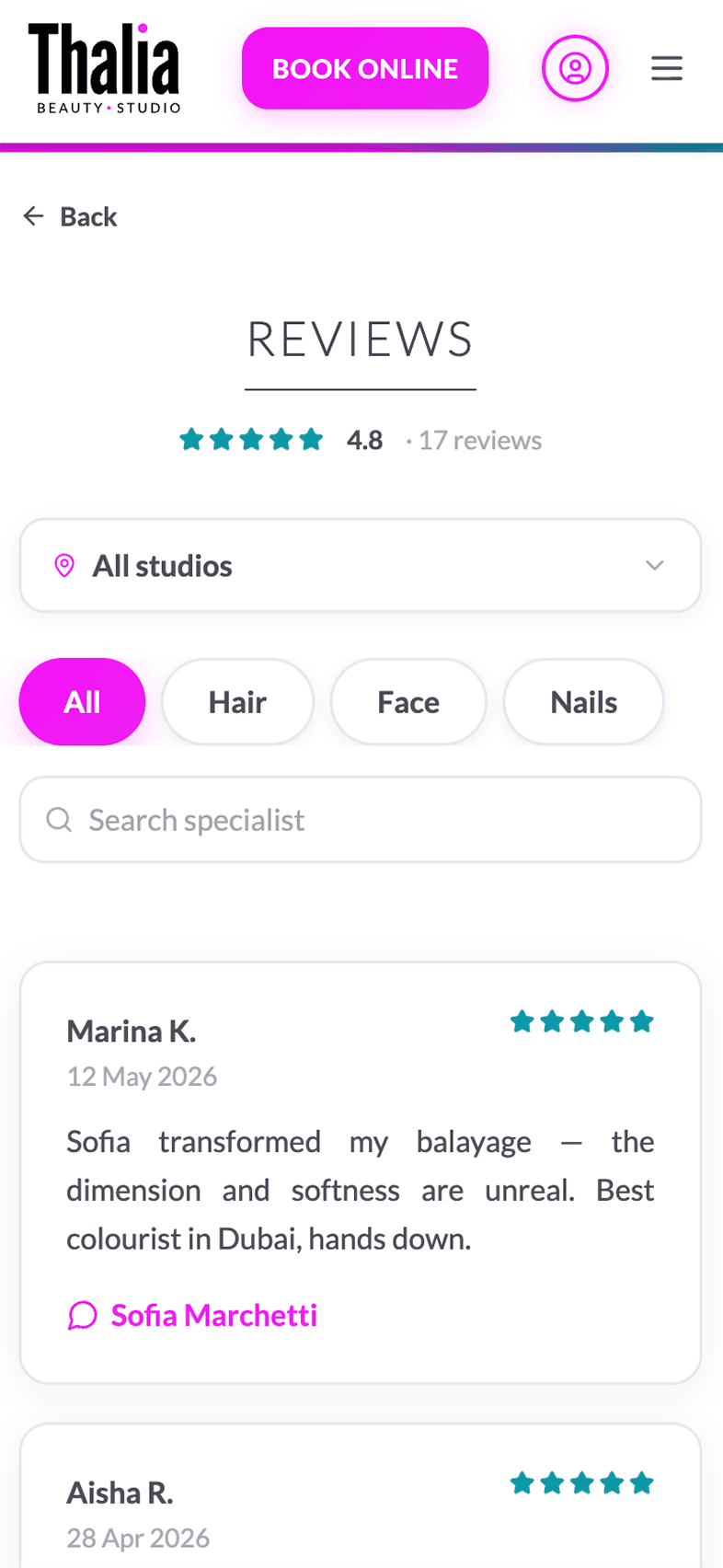
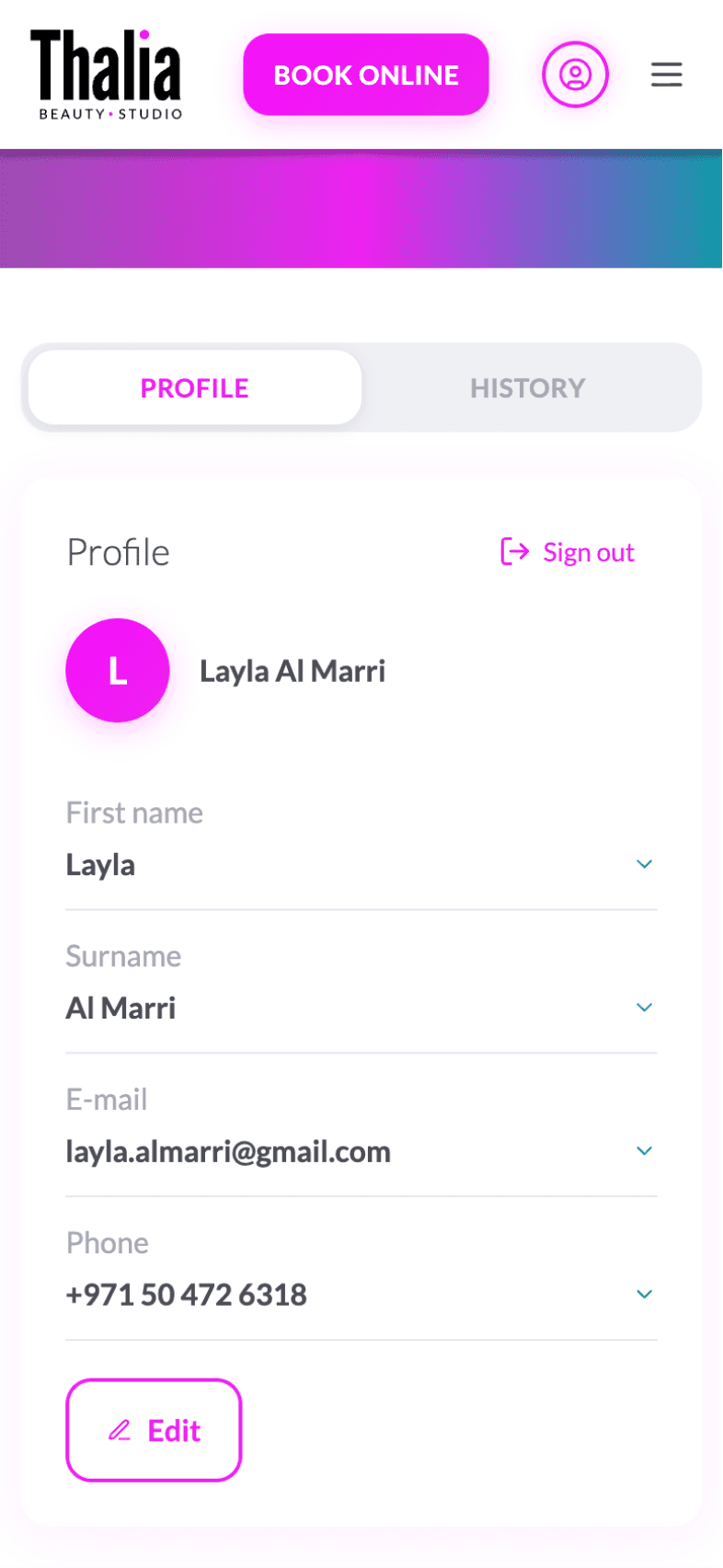
Manage customer data, bookings, payments, promotions, reviews, ratings, and loyalty programs from one platform.
Customer engagement
& communication
Stay connected with customers through notifications, booking updates, personalized offers, loyalty programs, reviews, and feedback management.
Flexible workflows
& integrations
Connect payment systems, CRM, accounting, and other external services while adapting business processes to your operational needs.
Use Cases
Examples of businesses this application can support
Beauty & Hair Salons
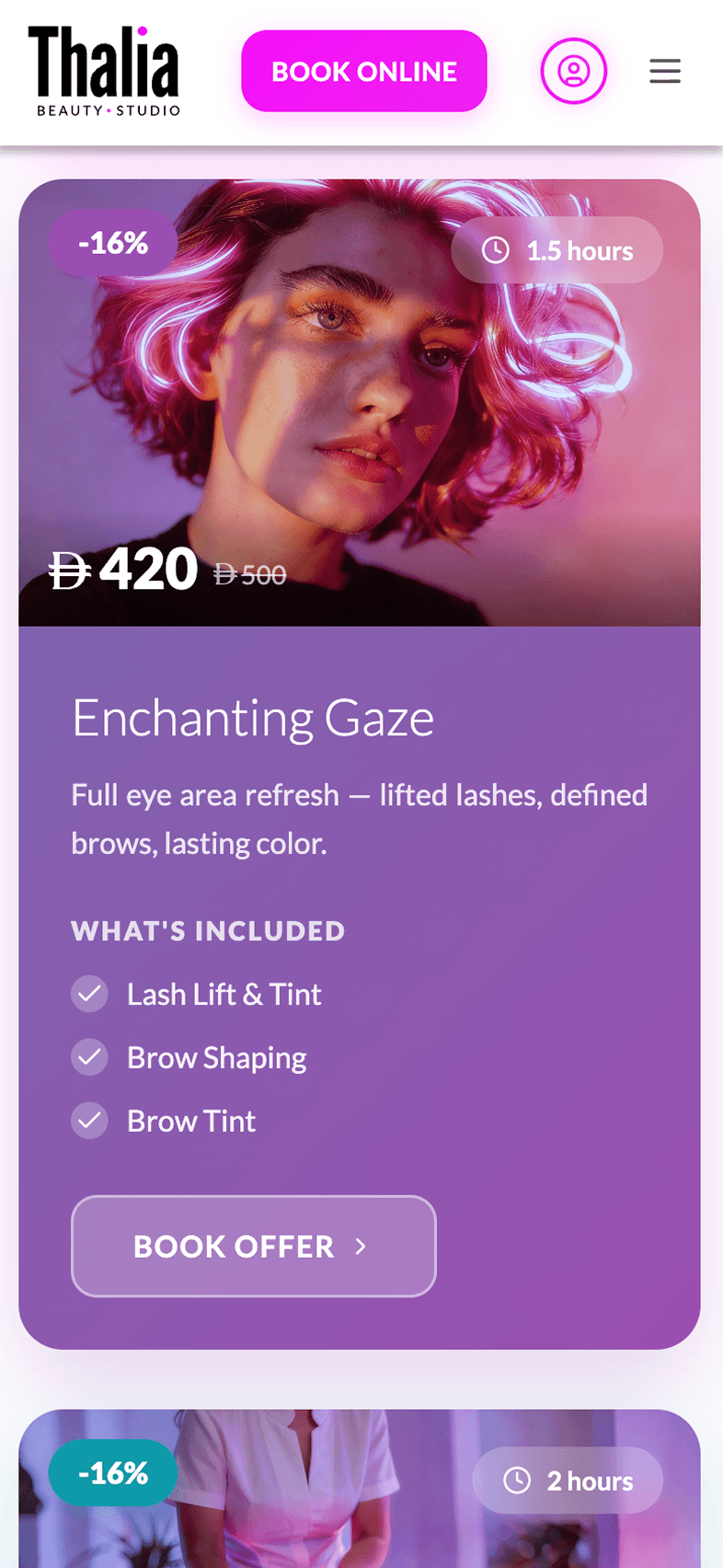
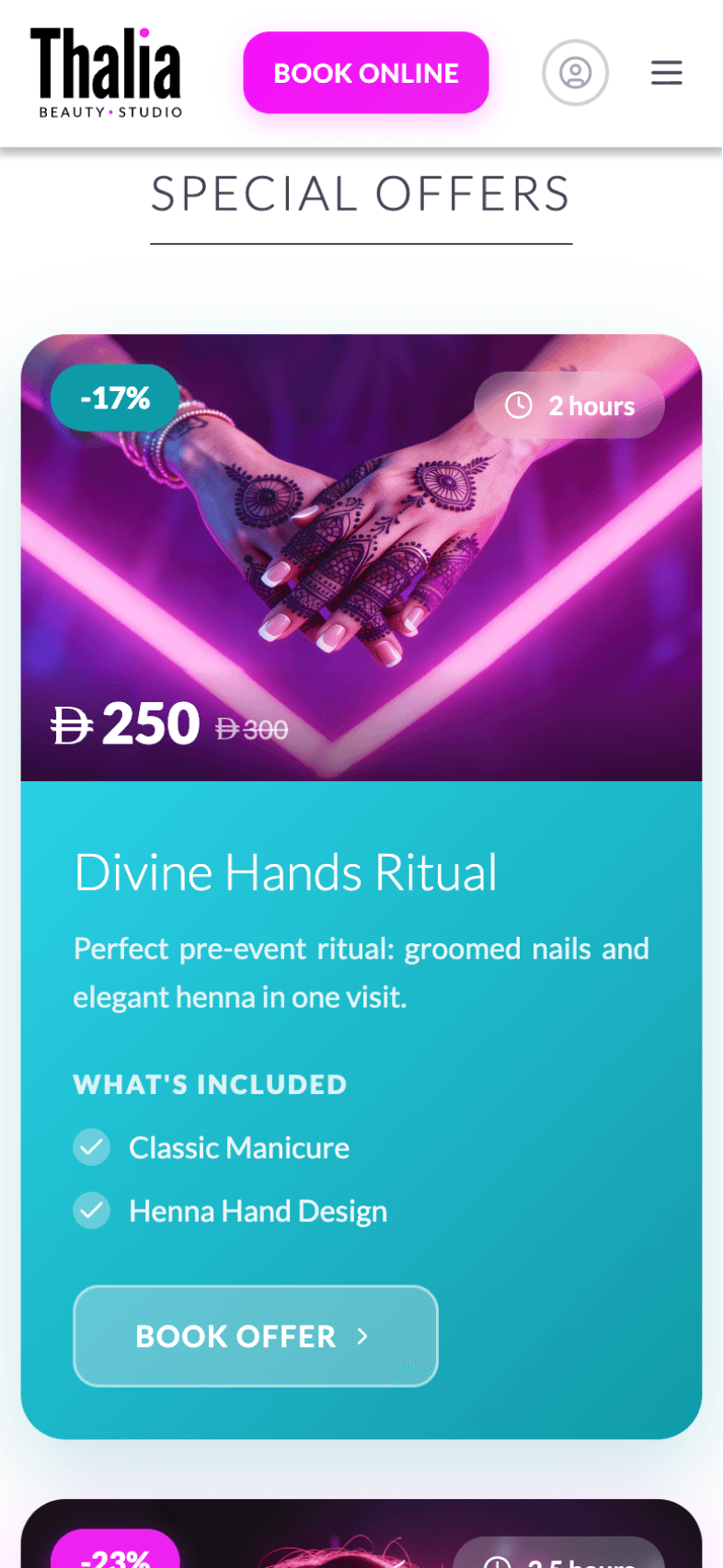
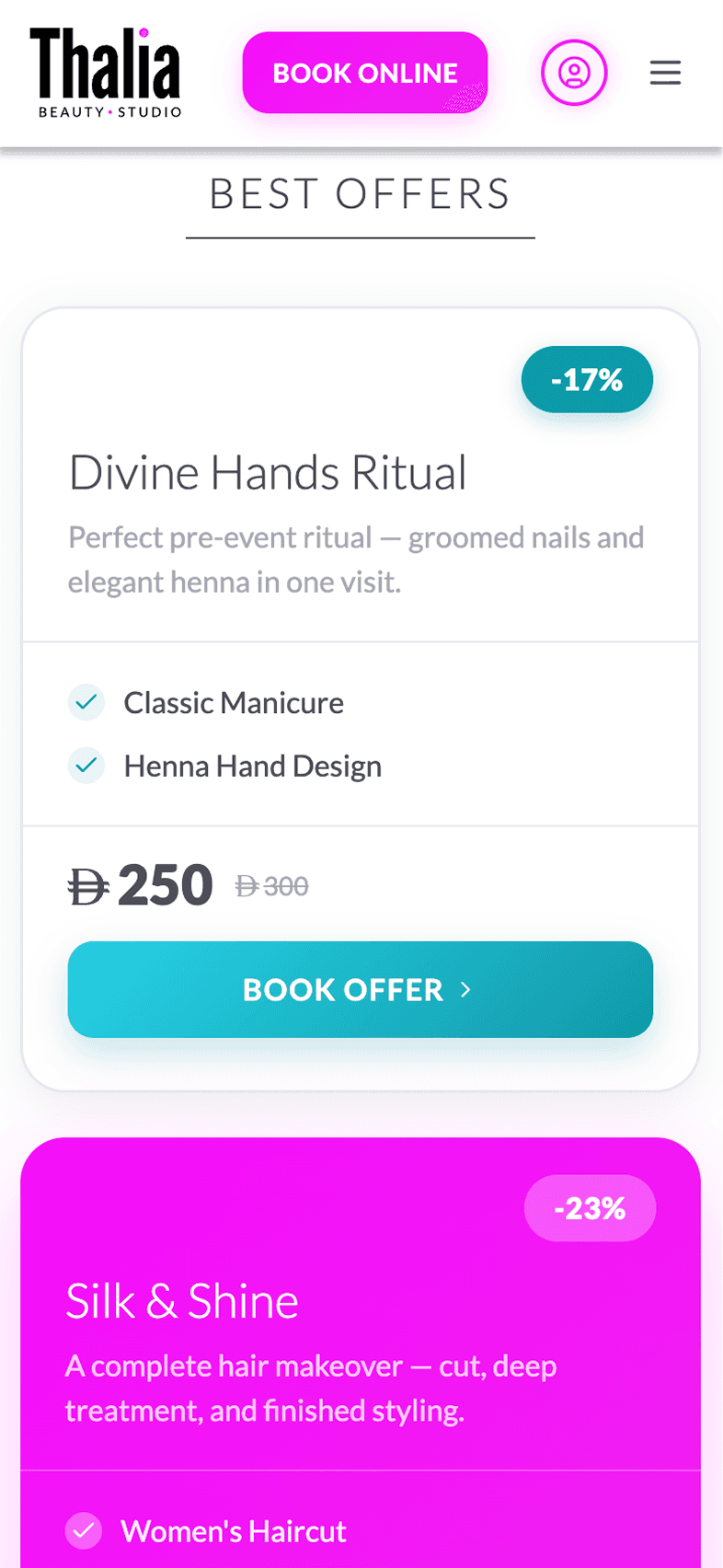
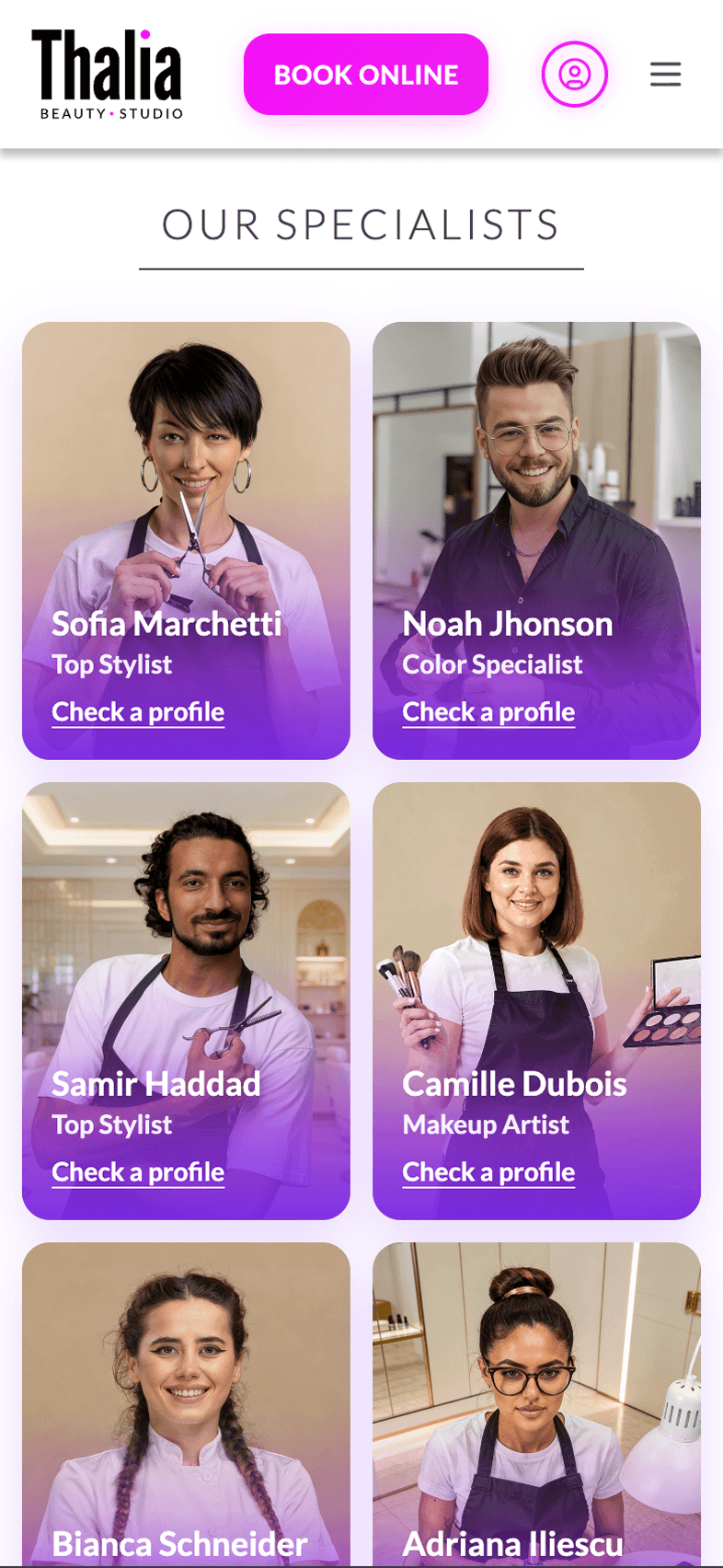
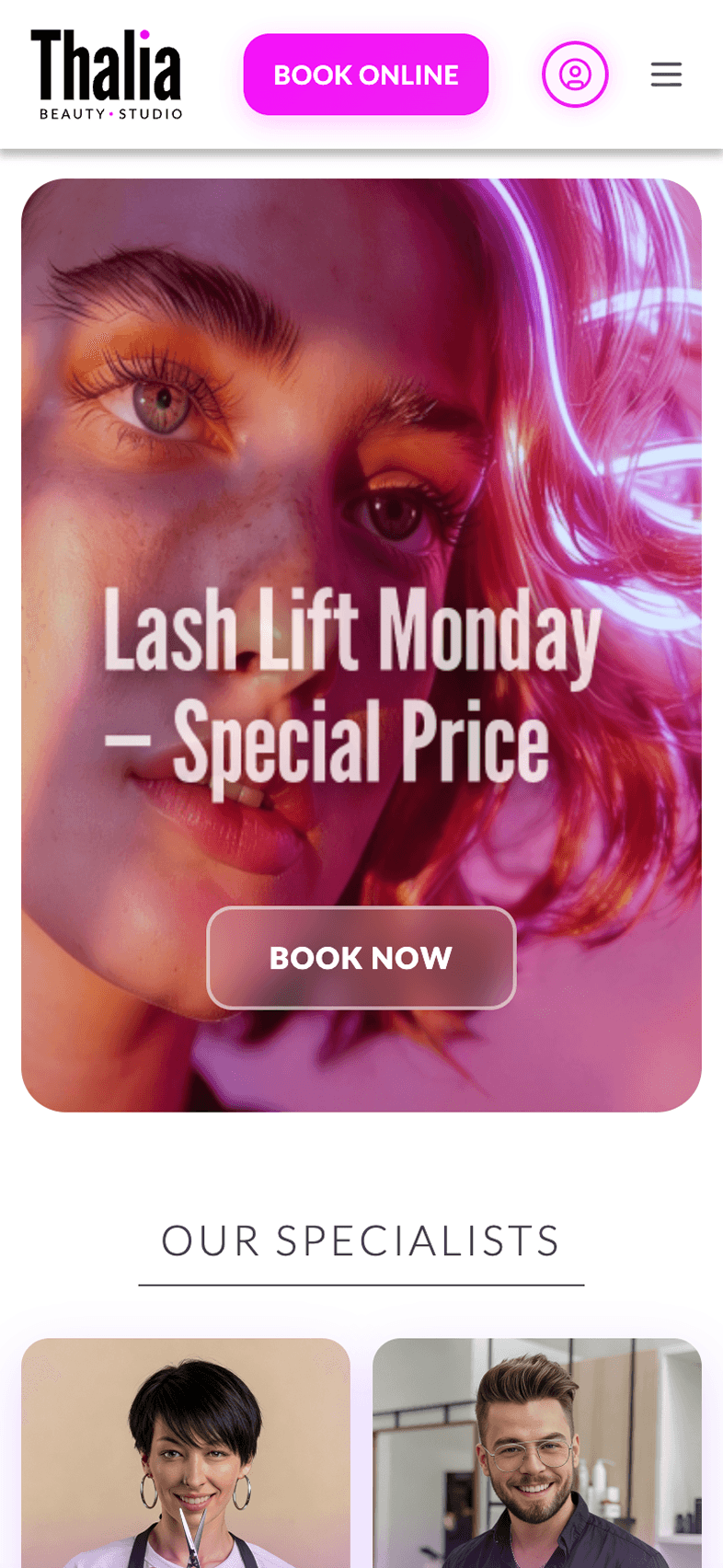
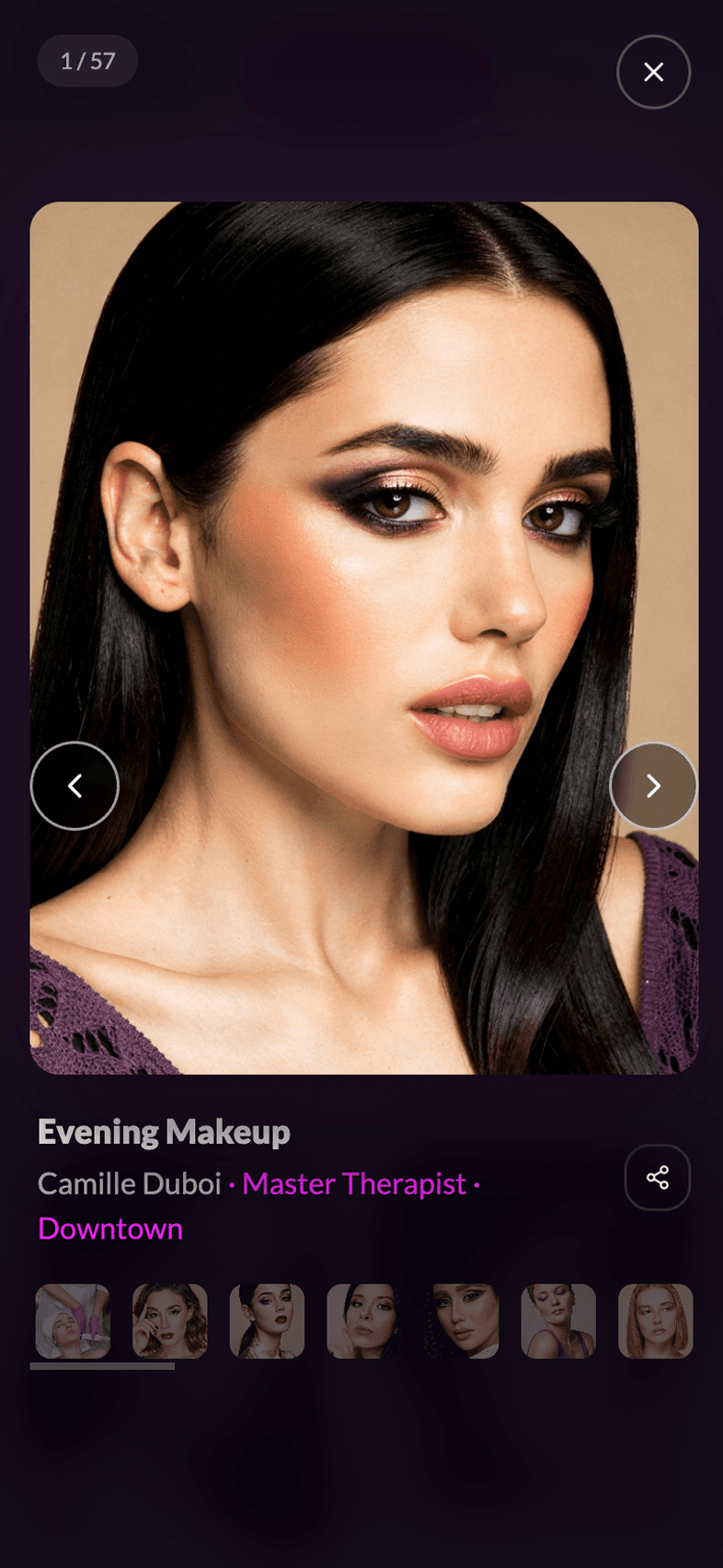
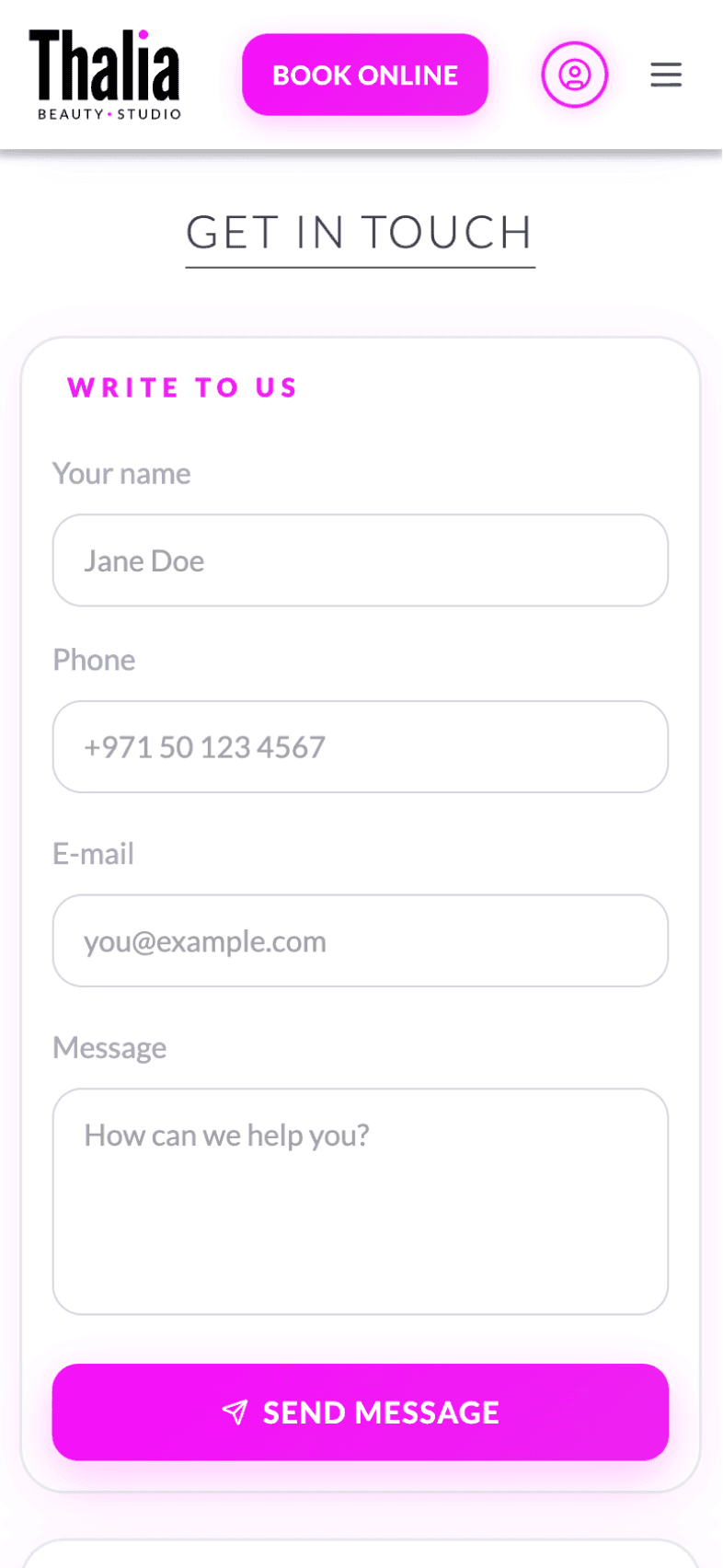
Service booking, specialist selection, and salon management
Barbershops
Haircut booking, barber portfolios, and style galleries
Medical Clinics
Doctor appointments, patient records, and clinic management
Home & Repair Services
Service requests, technician booking, and job tracking.
Accounting & Audit Firms
Client booking, document management, and consultations
Law Firms
Case consultations, appointment booking, and client management
Dance & Martial Arts Schools
Class booking, instructor profiles, and student enrollment
Massage & Spa Centers
Treatment booking, therapist selection, and wellness packages
Cleaning Services
Service booking, team assignment, and job management
Functionality
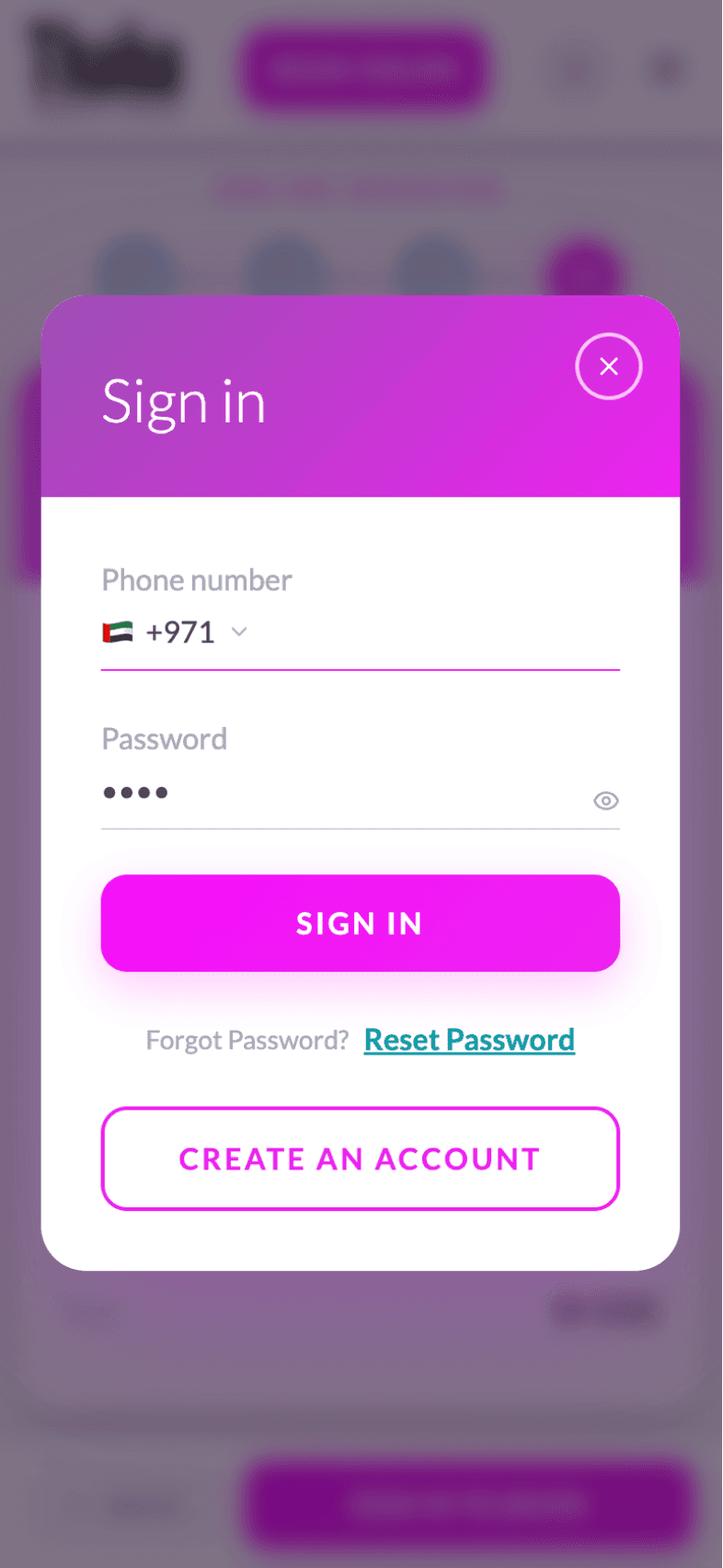
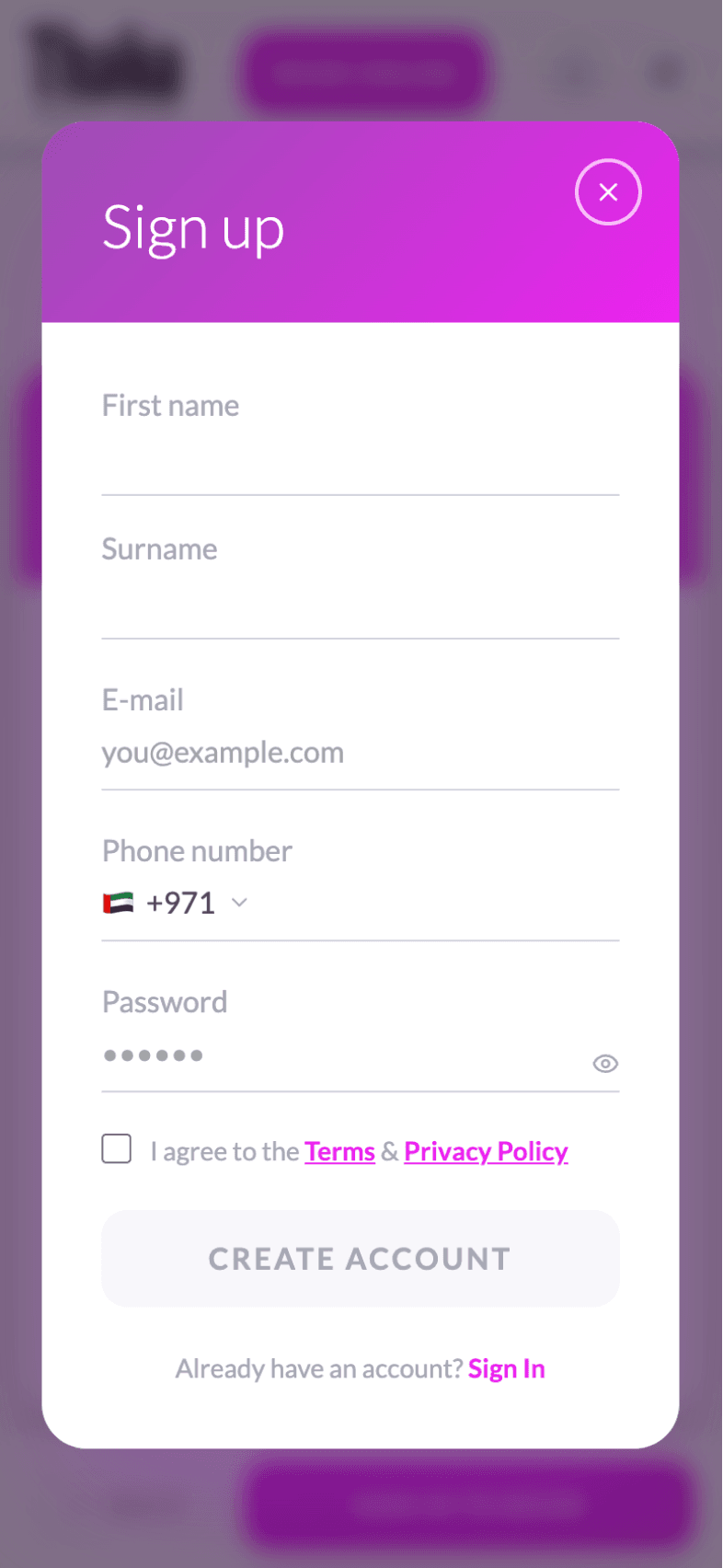
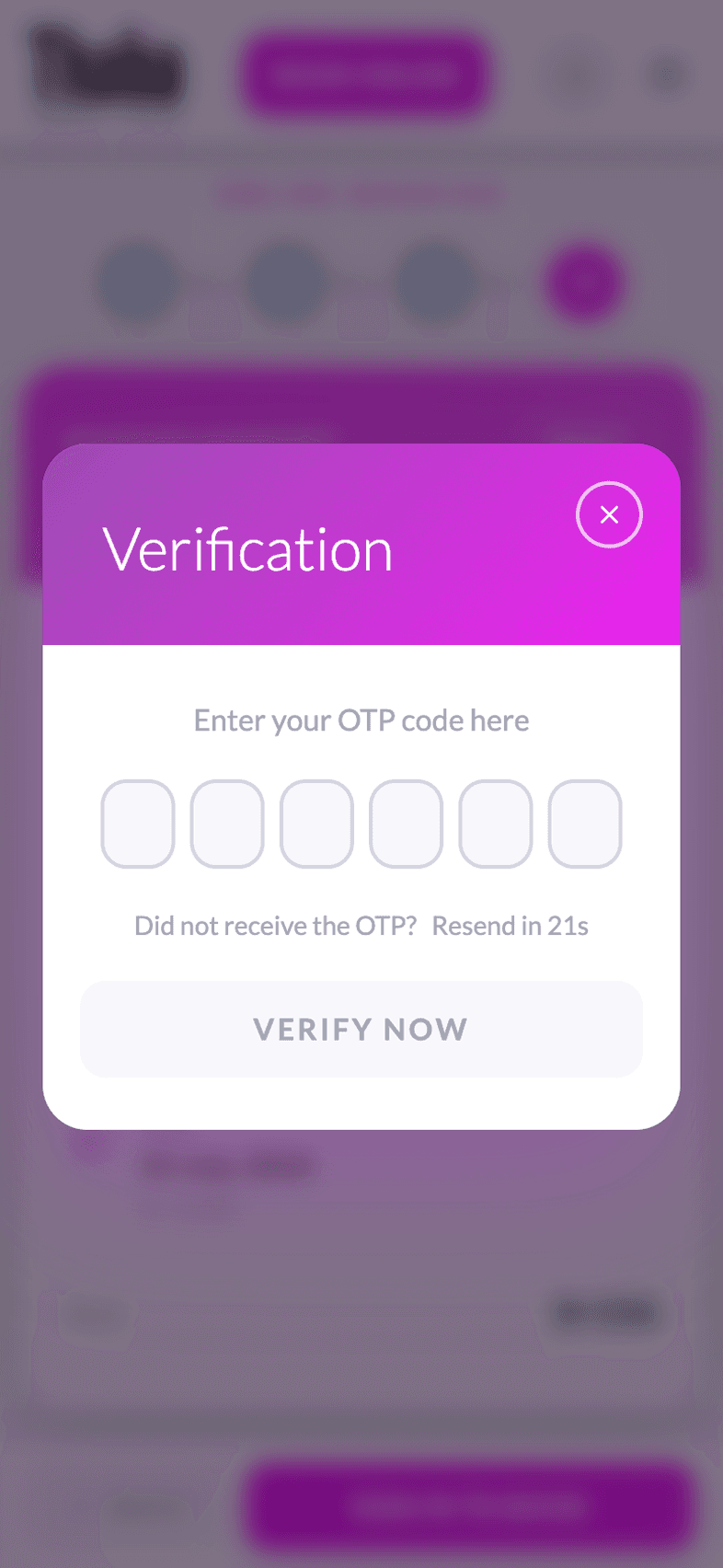
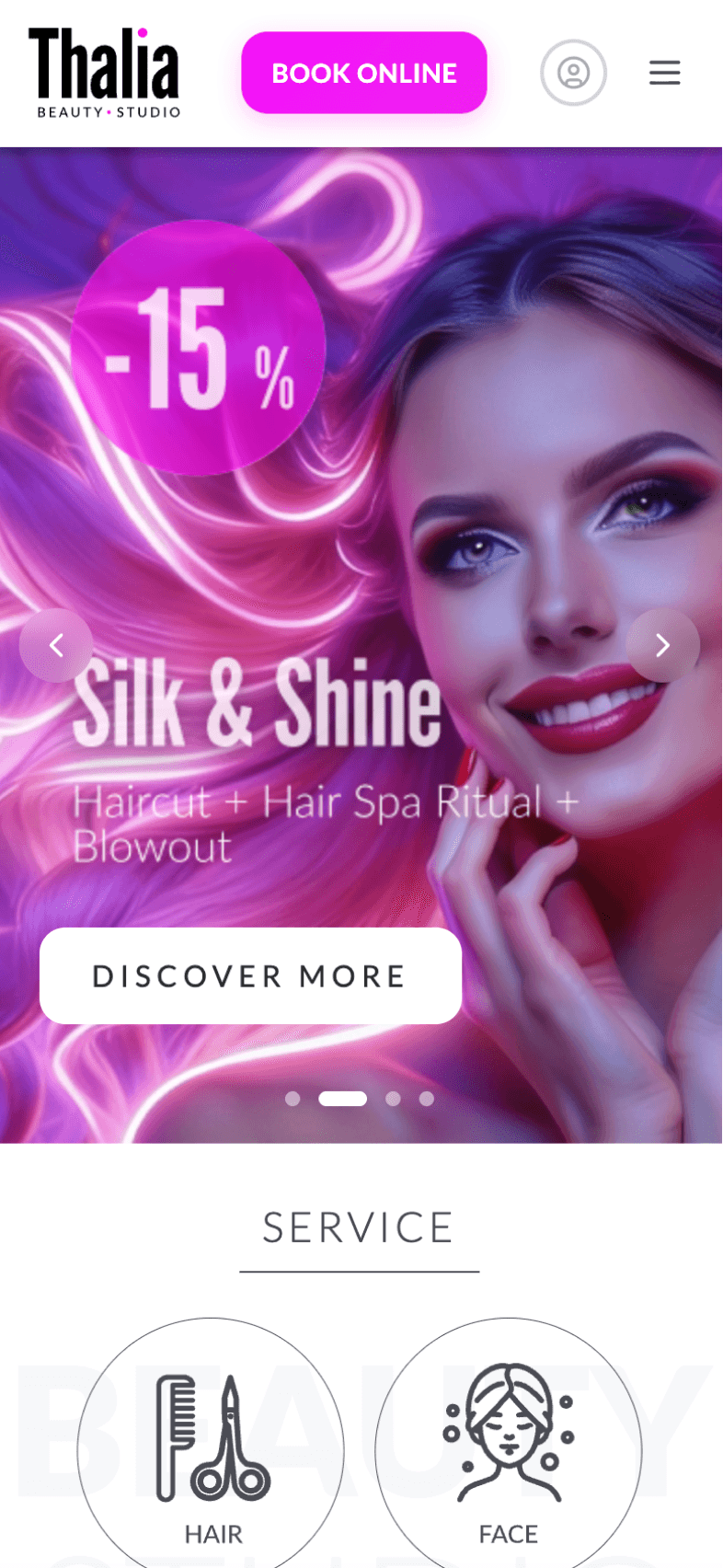
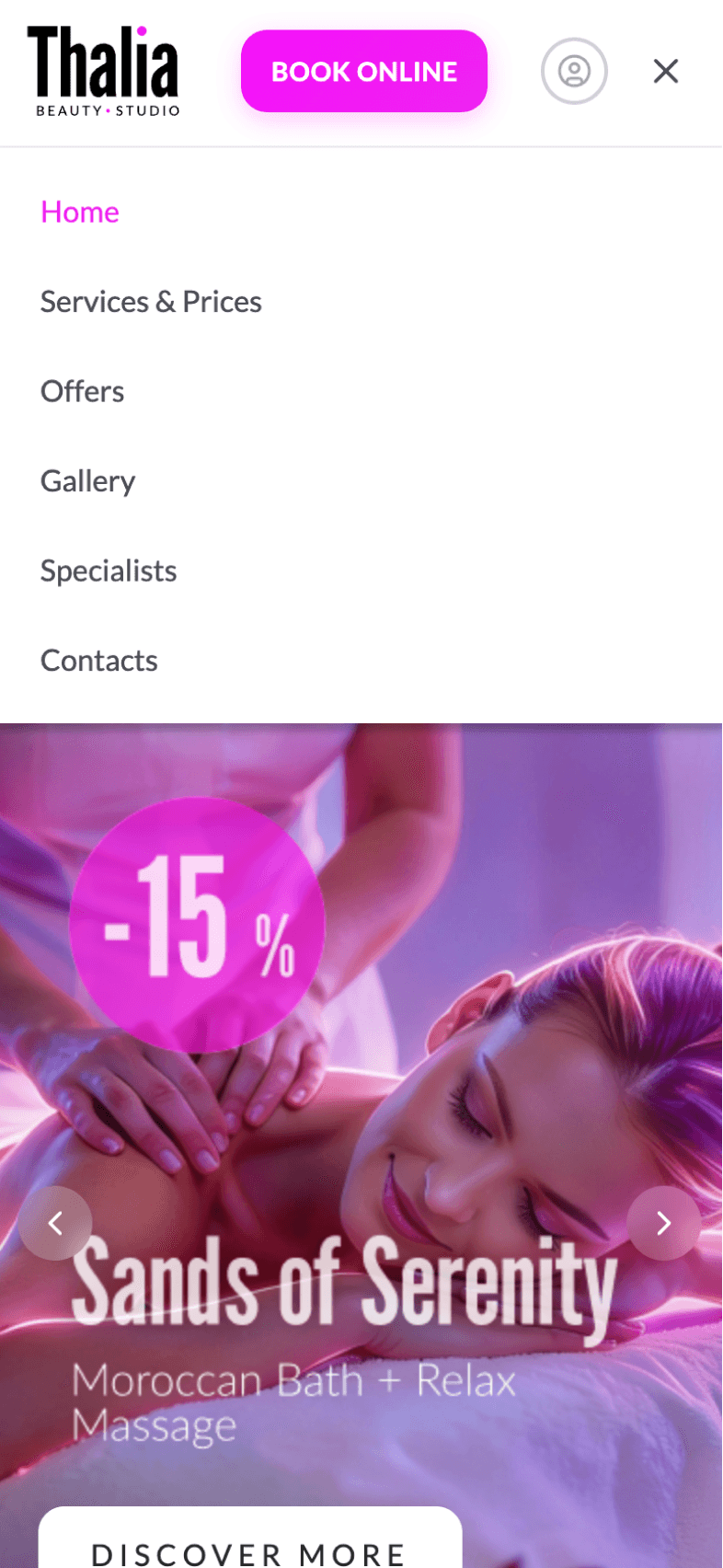
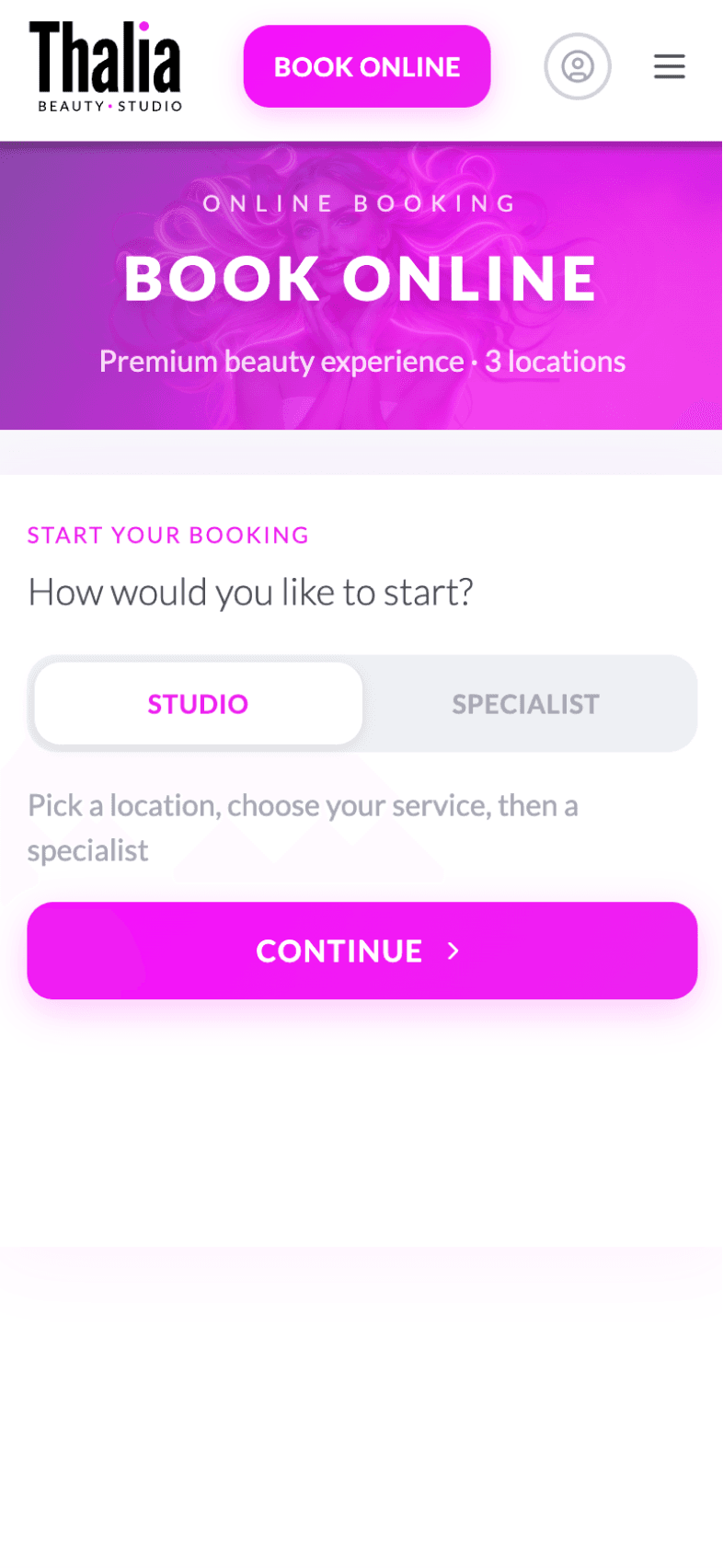
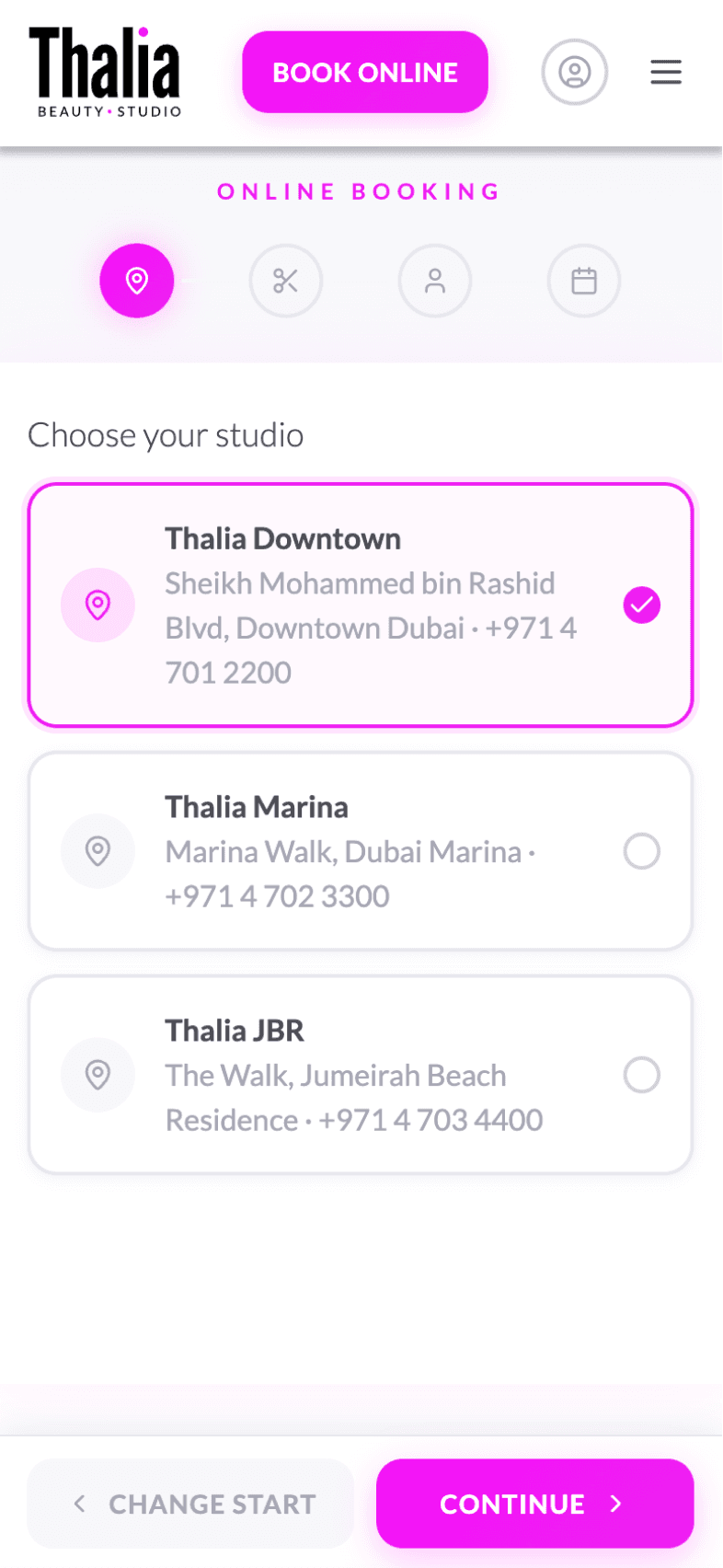
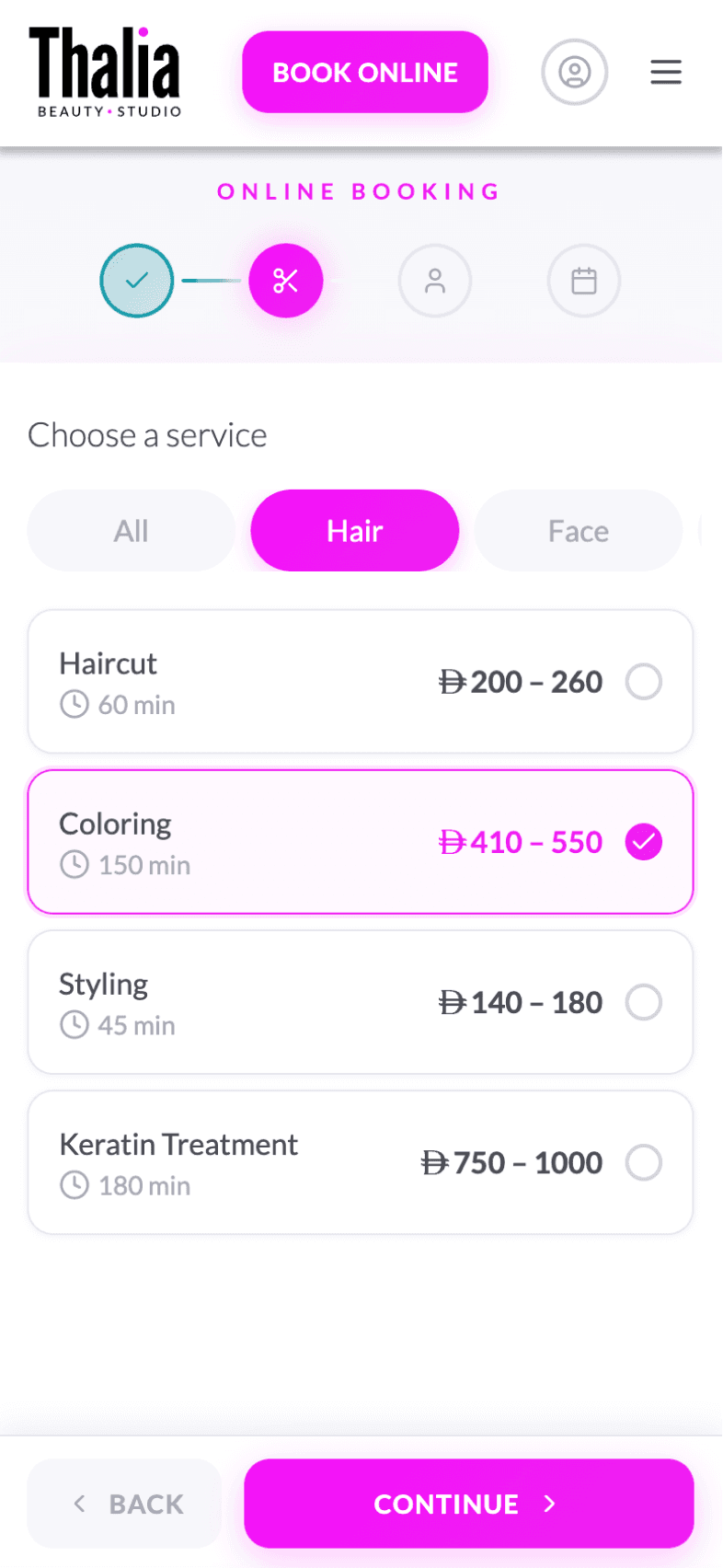
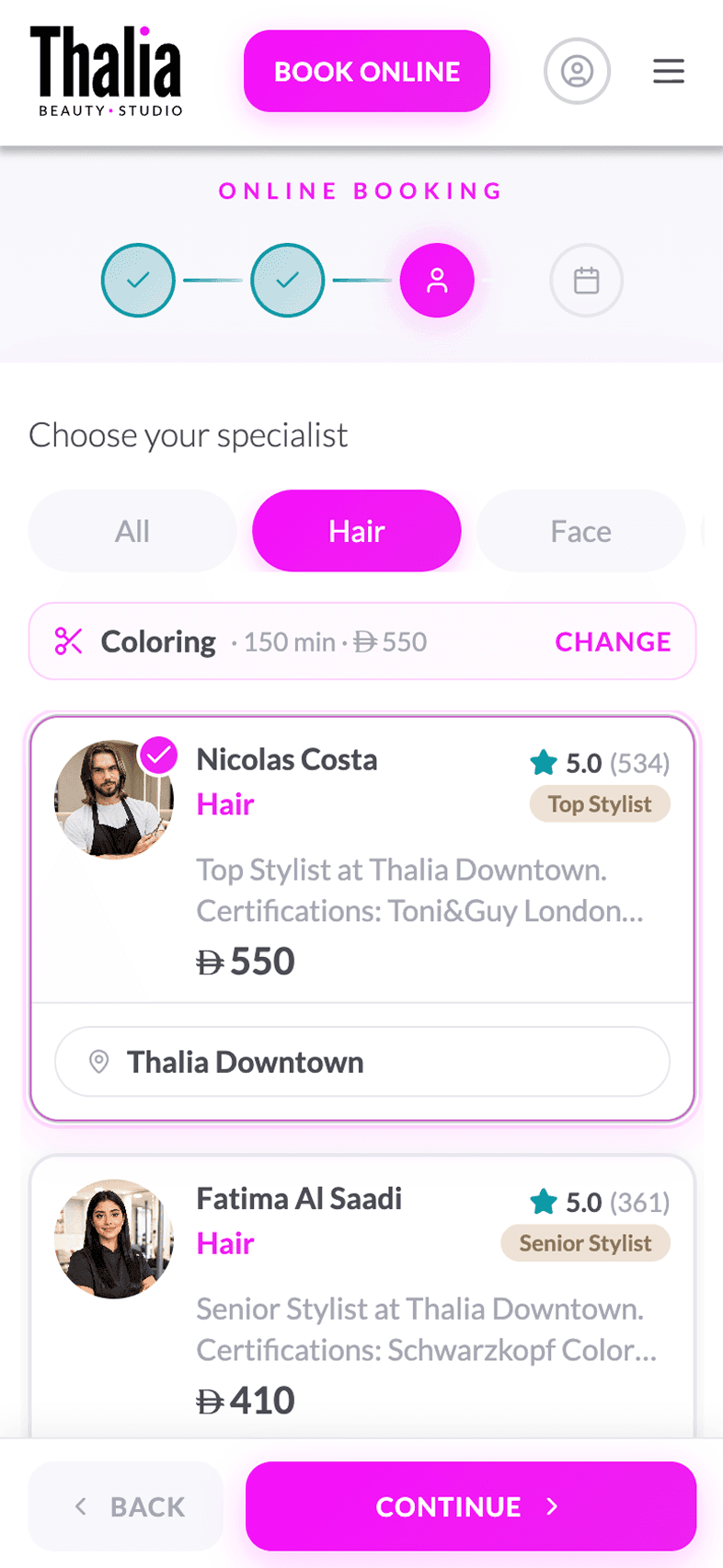
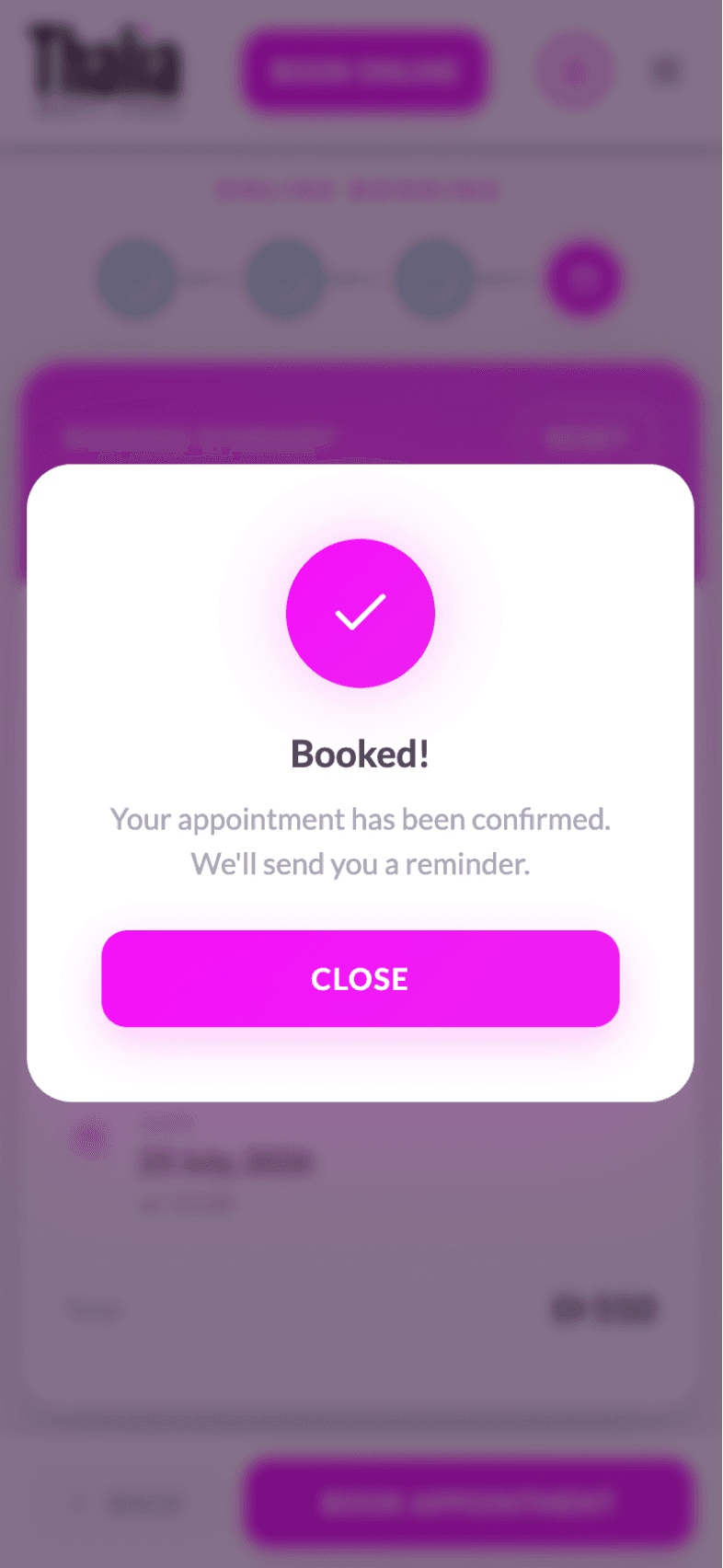
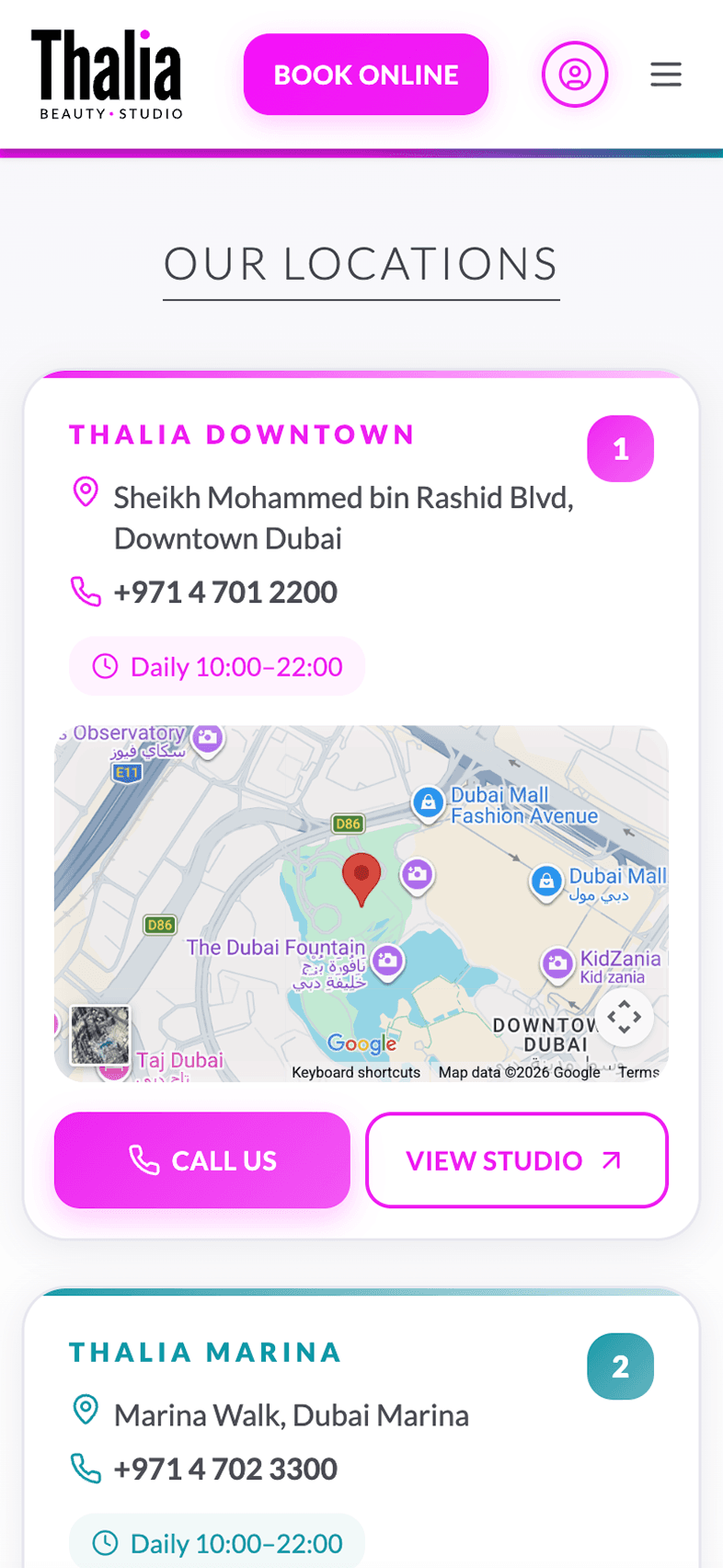
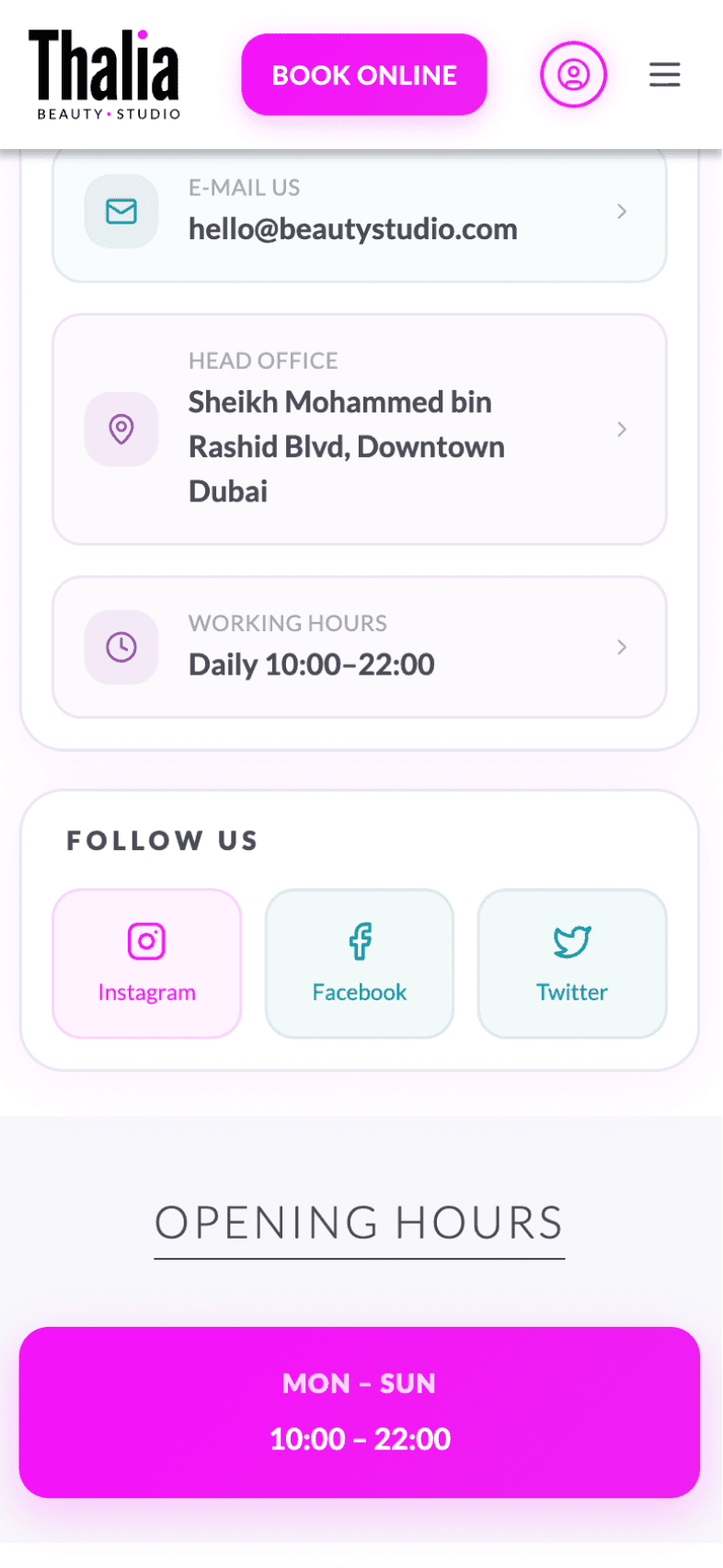
Explore the key features through real application screens



Setup Guide
Run the package installation: yarn install
Register on the website: oneentry.cloud

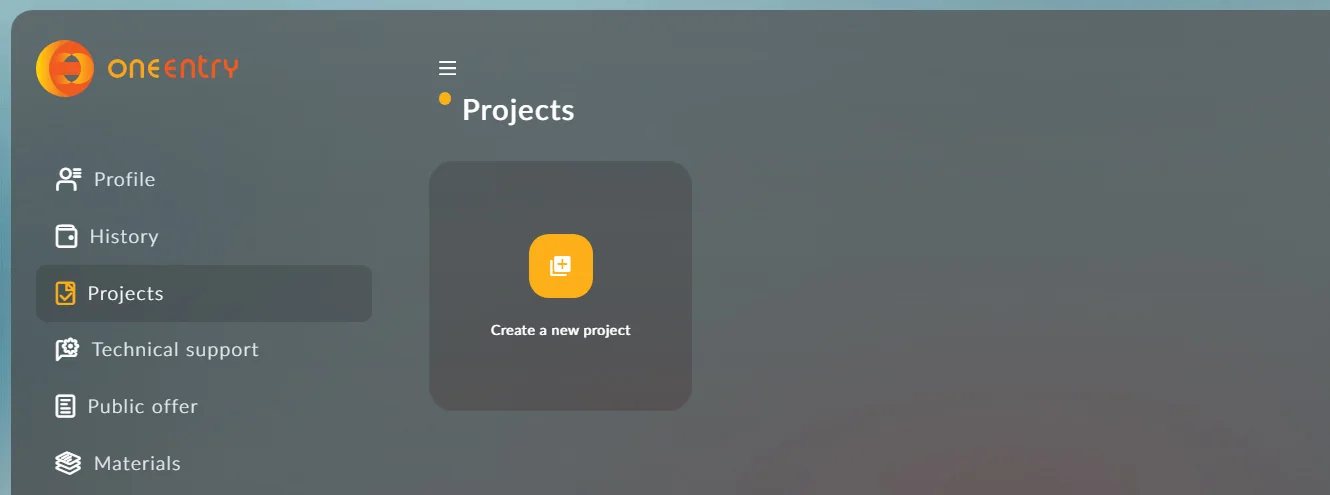
Set up your project: Create a project
Create an environment variable file .env
and specify the following variables in it:
The token is created in your project: Settings - App tokens
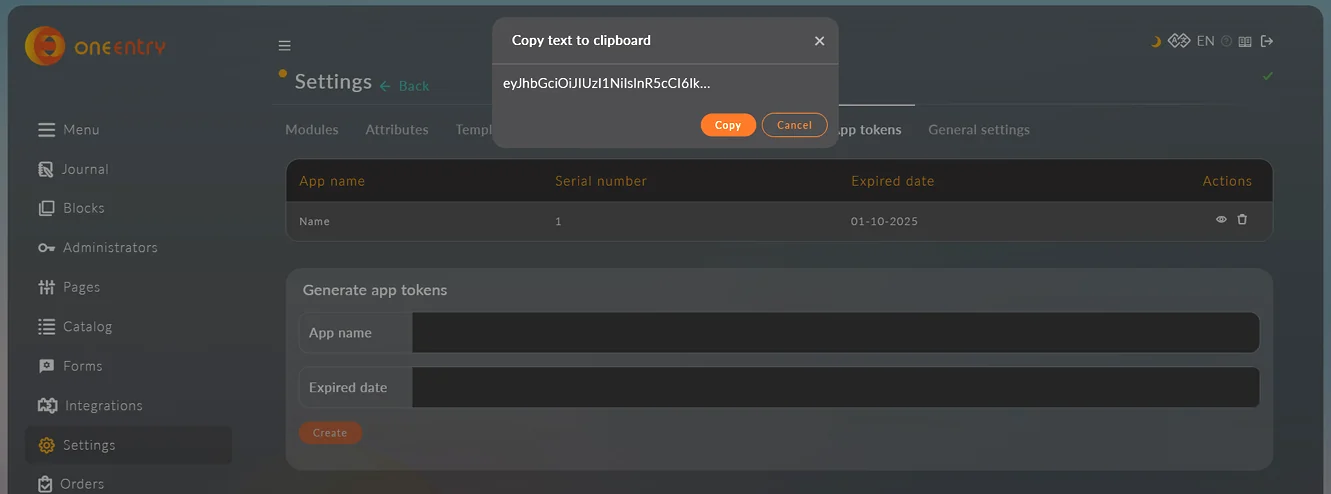
Start the project: npx expo run:ios or npx expo run:android
Download, set up, and use!
Download the source code
Free · version 0.0.1 beta