

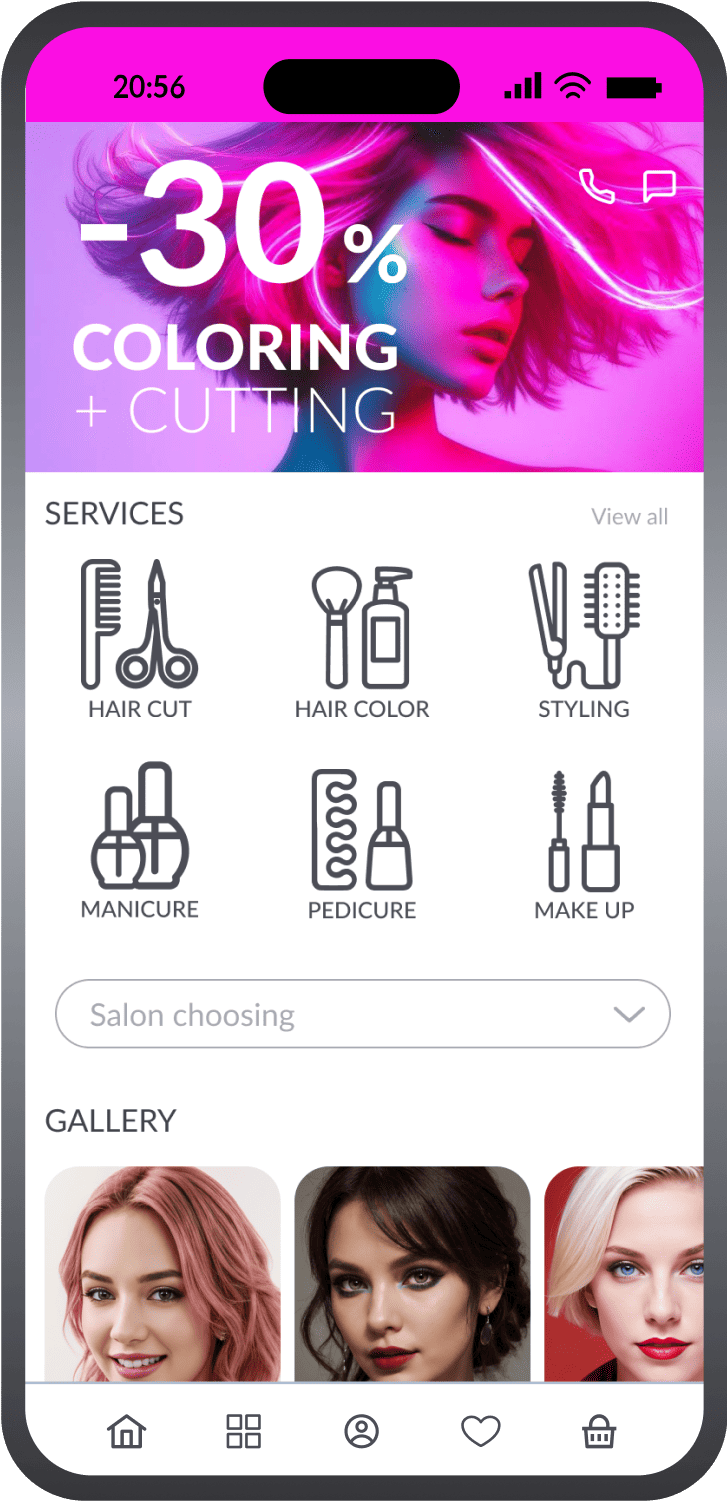
Frontend demo for Service App
Demo app built with React Native
 Tailwind CSS
Manage your digital product with
OneEntry Platform

Customizable design

Flexible functionality

Centralized data and business logic
Installation
Run the package installation:yarn inatsll

Register on the website: oneentry.cloud

Create a project
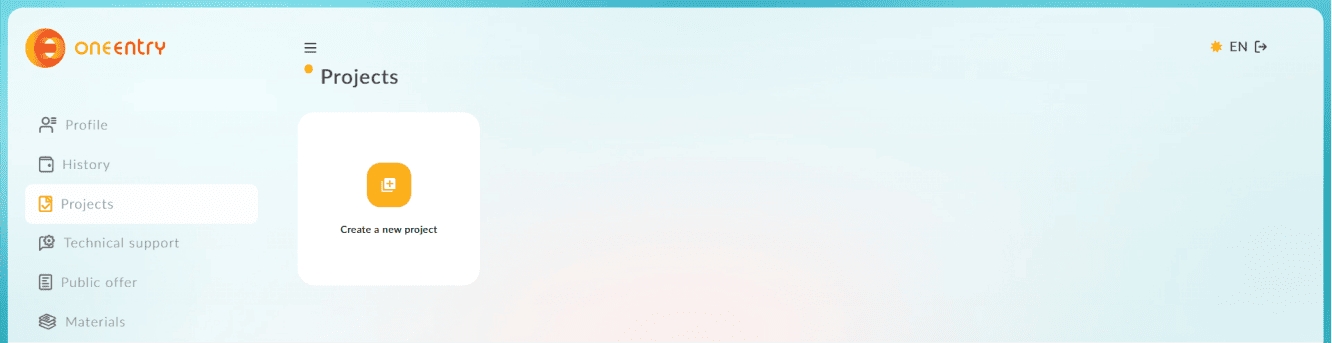
Create an environment variable file .env
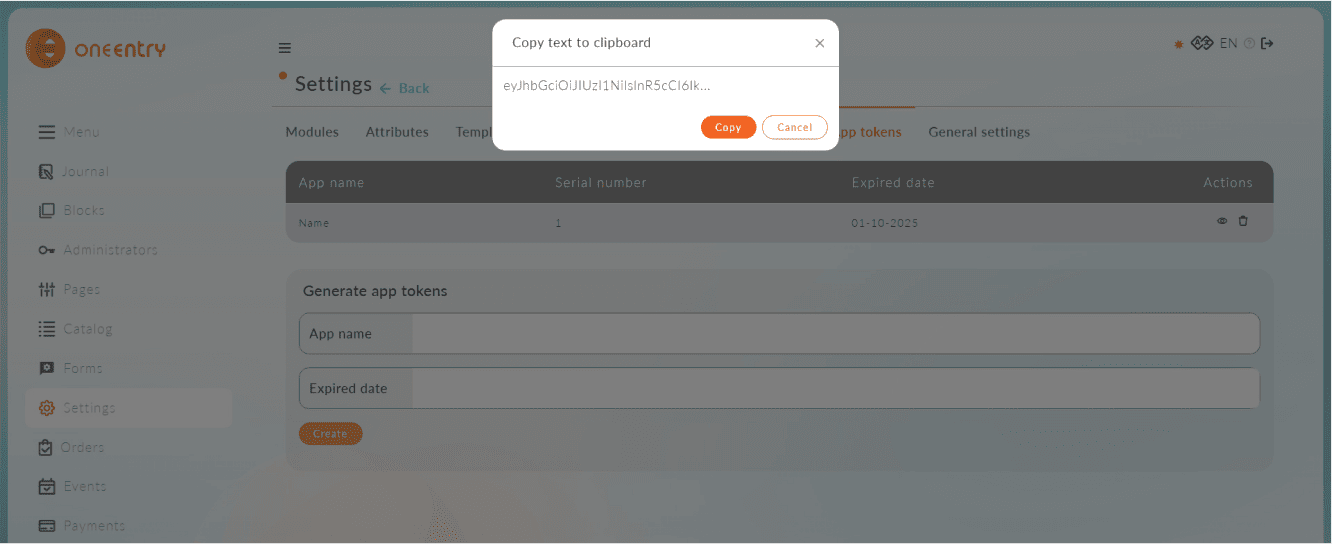
and specify the following variables in it: url: 'https://name_your_project.oneentry.cloud' token: '...'
The token is created in your project: Settings - App tokens
Start the project: npx expo run:ios or npx expo run:android
Download, set up, and use!
Functionality
Intro

Authorization
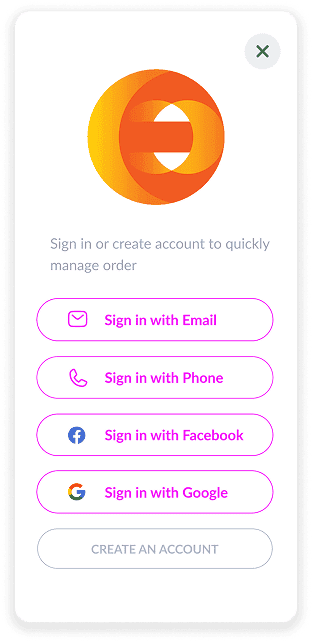
Sign up
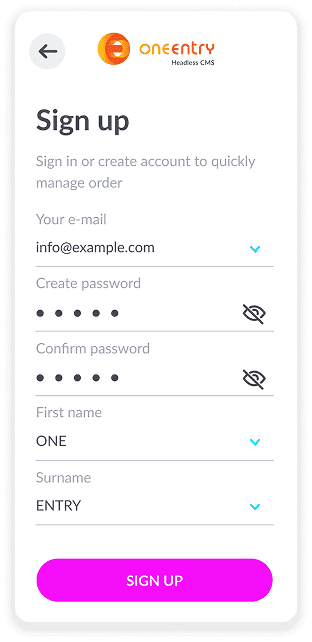
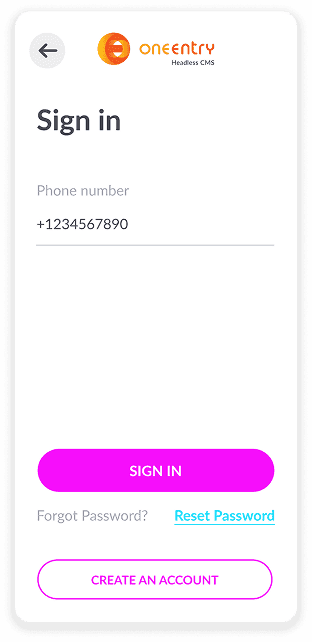
Sign in
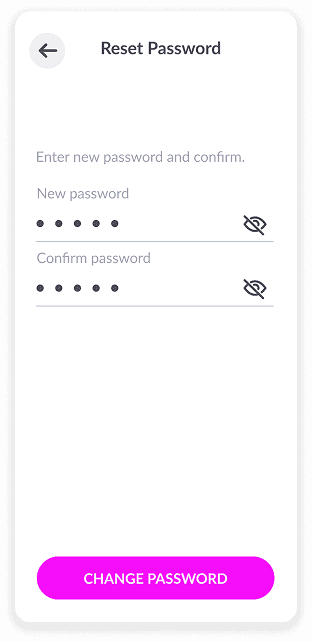
Reset Password
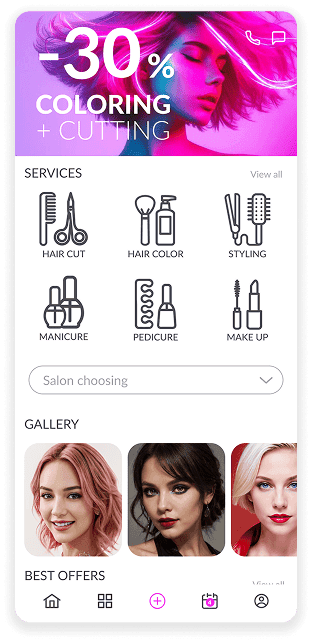
Home Page
Appointment
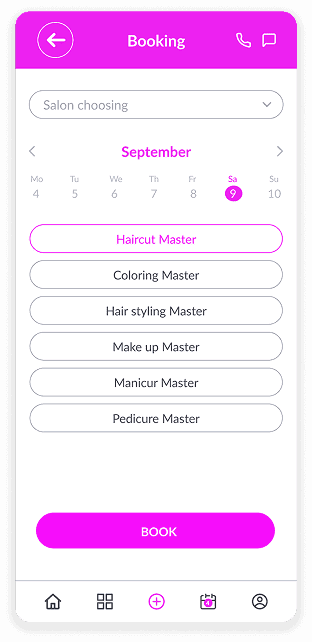
Select Service / Prices
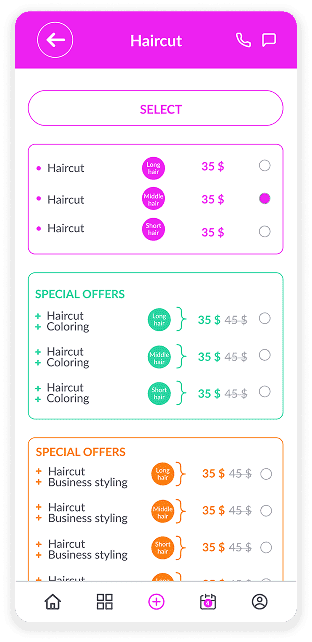
Select Specialist
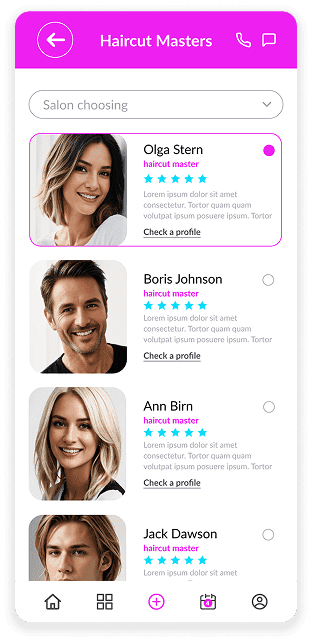
About the Specialist
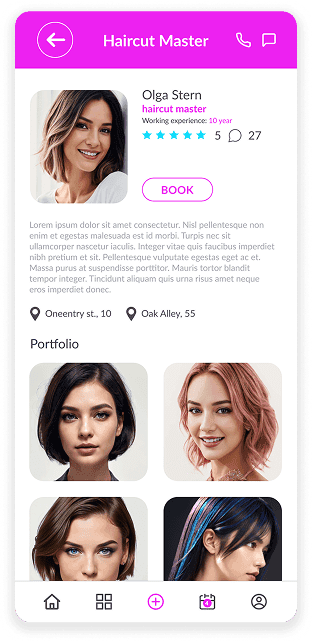
Gallery
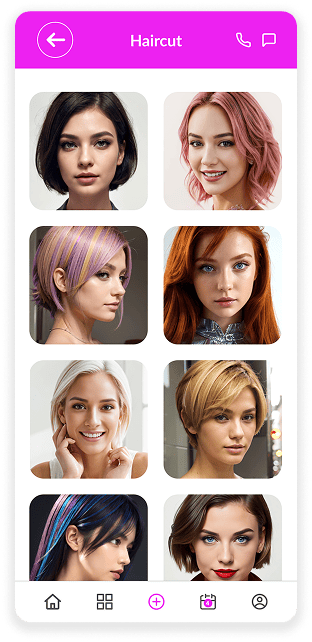
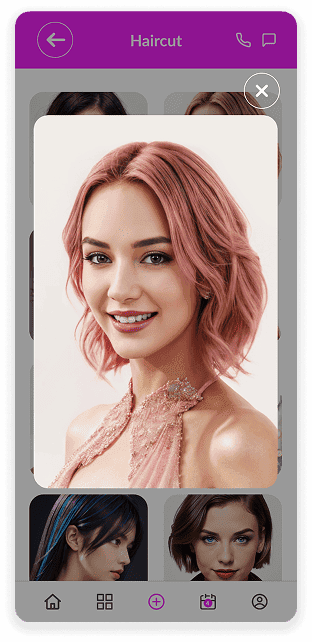
View Photo
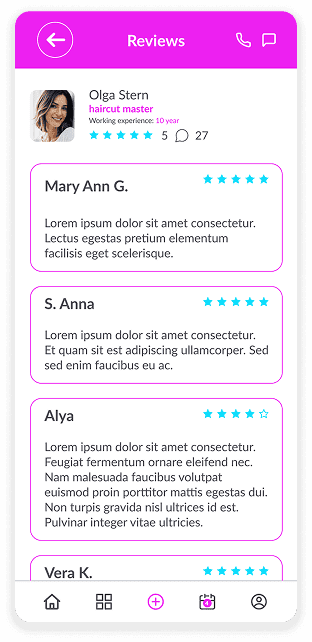
Reviews of the Specialist
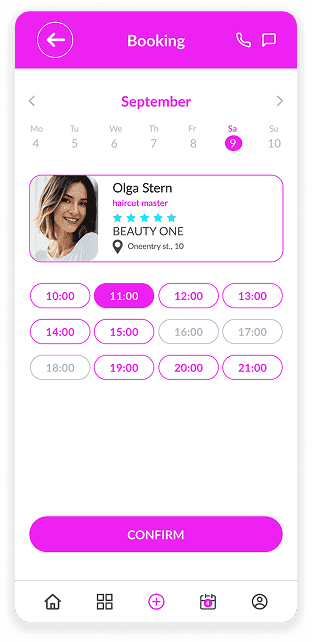
Select Date and Time
Additional Appointment
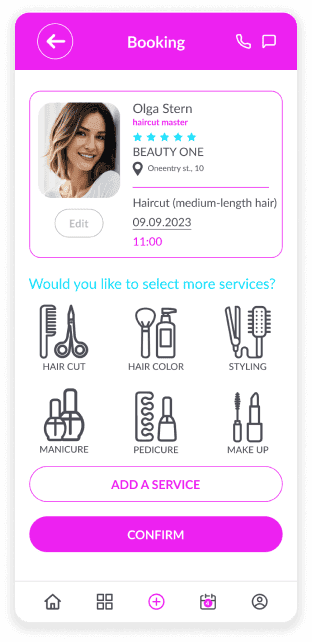
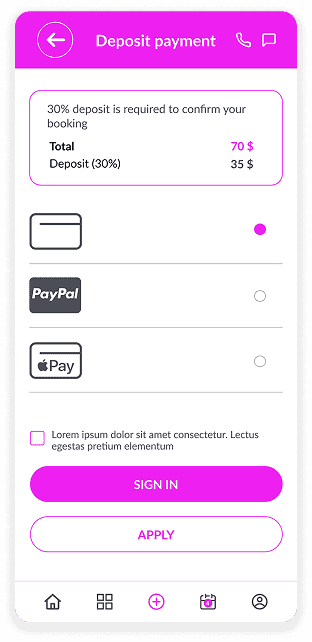
Payment
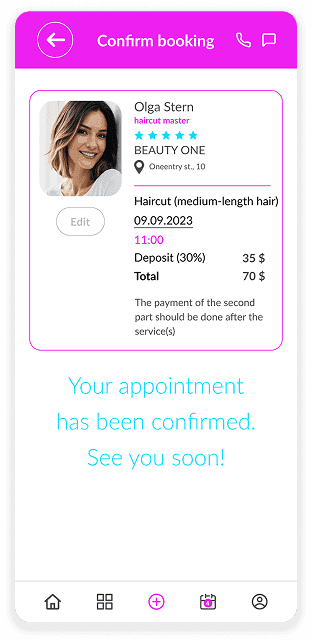
Appointment Confirmation
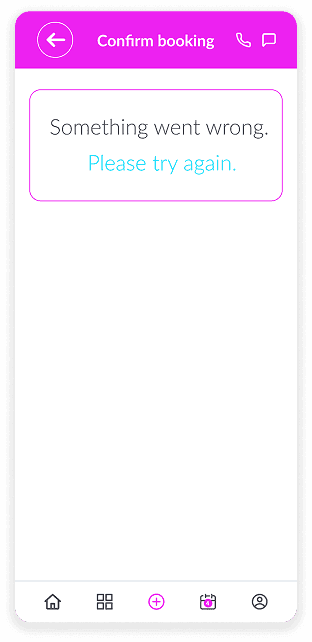
Error
Feedback Form
Upcoming Visits
Completed Visits
Canceled Visits
Use Cases

Beauty & Hair Salons

Barbershops

Yoga and Pilates studios

Medical clinics

Home & Repair Services

Veterinary clinics

Accounting & Audit Firms

Law Firms

Dance & Martial Arts Schools

Massage & Spa

Dental clinics

Cleaning Services
Service application

NextJS